12
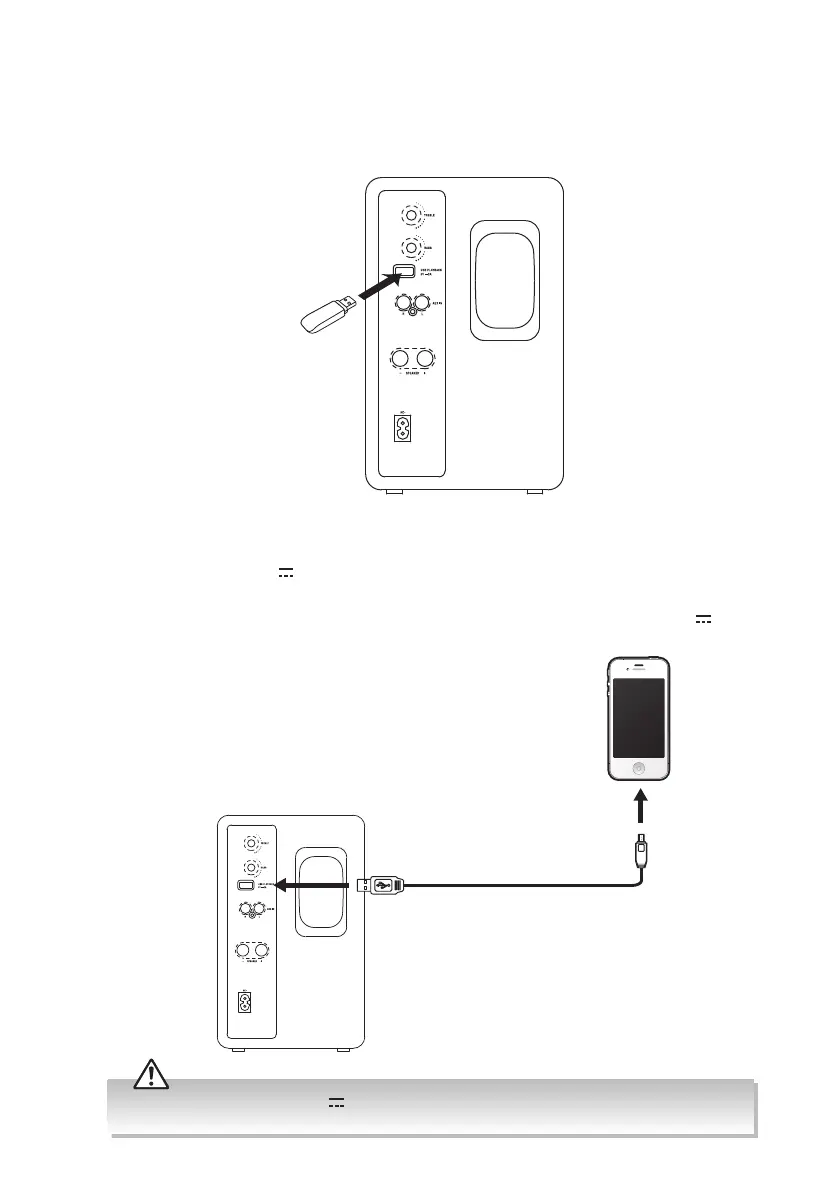
Connecting a USB device
When a USB device is connected to the unit, press SOURCE button repeatedly on the unit
or press USB button on the remote control to select USB mode.
Charging from the USB CHARGING Port
The USB PLAYBACK 5V 2.0A port is designed only for charging mobile devices (e.g. MP3
player, mobile phone, etc). It supplies 5V DC at a charging current of up to 2000mA (2.0A).
Use a USB cable (not included) to connect mobile device to the USB PLAYBACK 5V
2.0A
port of the unit and the mobile device will start charging.
Rear View of the Speaker (R)
Rear View of the Speaker (R)
ONLY use the USB PLAYBACK 5V 2.0A port to charge small mobile devices. NEVER use this port for
any other purpose.
XS-D629BM_IB_Final190402V2.indd 12 03/04/2019 18:26



 To Next Page
 Loading...