PAGE 10
Initiate a Memory Tune Cycle
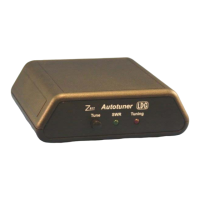
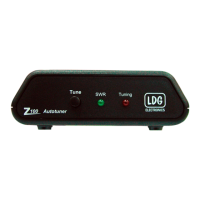
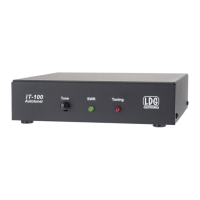
To initiate a memory tuning cycle, press and hold the Tune button on the front of the IT-100
until the Tuning/Status LED lights up. A memory tuning cycle will begin. The IT-100 will force
the transceiver into AM mode, change the power level to one that is appropriate for tuning, and
key the radio. When tuning is complete, the transceiver will return to the operating mode and
power level previously set.


 To Next Page
 Loading...