
 Need help?
Do you have a question about the Lenovo 3000 H Series and is the answer not in the manual?
Guides on connecting various peripherals like keyboard, mouse, monitor, and modem.
Procedure for restoring the computer to factory default or backup state.
Procedure for restoring the system to a previous state.
Steps for backing up and restoring system status.
Procedure for checking and fixing hard disk errors.
Steps for defragging the disk to improve performance.
Guides on connecting various peripherals like keyboard, mouse, monitor, and modem.
Procedure for restoring the computer to factory default or backup state.
Procedure for restoring the system to a previous state.
Steps for backing up and restoring system status.
Procedure for checking and fixing hard disk errors.
Steps for defragging the disk to improve performance.
 General
| Graphics | Integrated Intel Graphics Media Accelerator 950 |
|---|---|
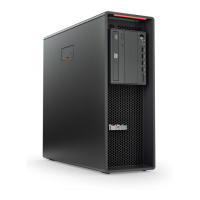
| Form Factor | Tower |
| Processor | Intel Celeron D, Intel Pentium 4 |
| Operating System | Windows XP Home or Professional |
| Chipset | Intel 945G |
| Optical Drive | DVD-ROM |
| Expansion Slots | PCI |
| Front Ports | USB 2.0, audio jacks |
| Rear Ports | USB 2.0, VGA, Ethernet |
| Power Supply | 250W |






 To Next Page
