www.we-are-digital.co.uk | info@we-are-digital.co.uk | +44 (0) 3333 444019
13
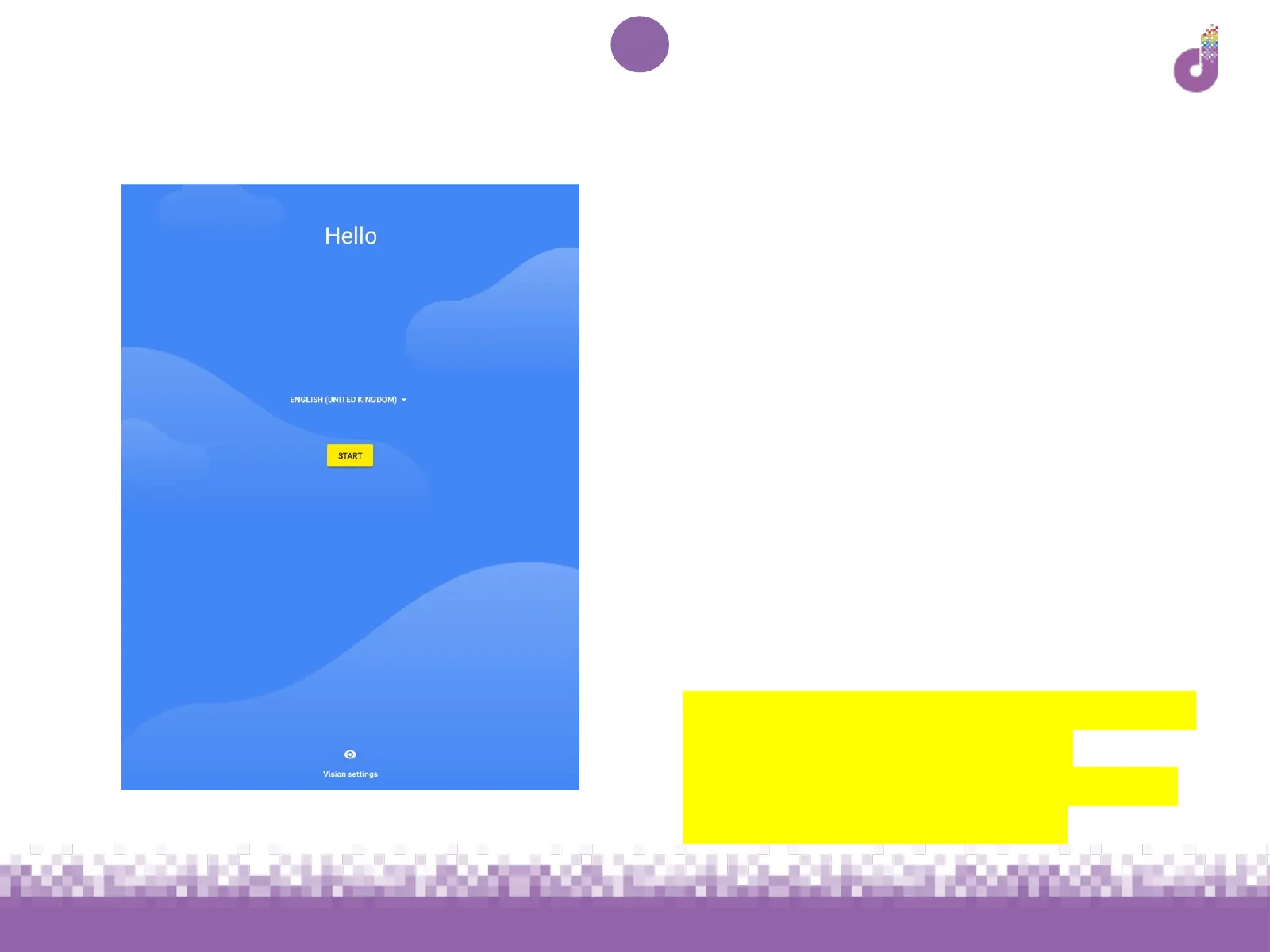
Lenovo Tab E10: Language
1. Select your language - the default
should be English (United
Kingdom)
1. Tap Start to proceed
Note: While you can choose another
language if preferred, we recommend
using English (UK) if you wish to use this
guide for reference
If you require accessibility options such
as a screen reader or visibility
enhancements, tap Vision settings on
this screen before proceeding



 To Next Page
 Loading...











