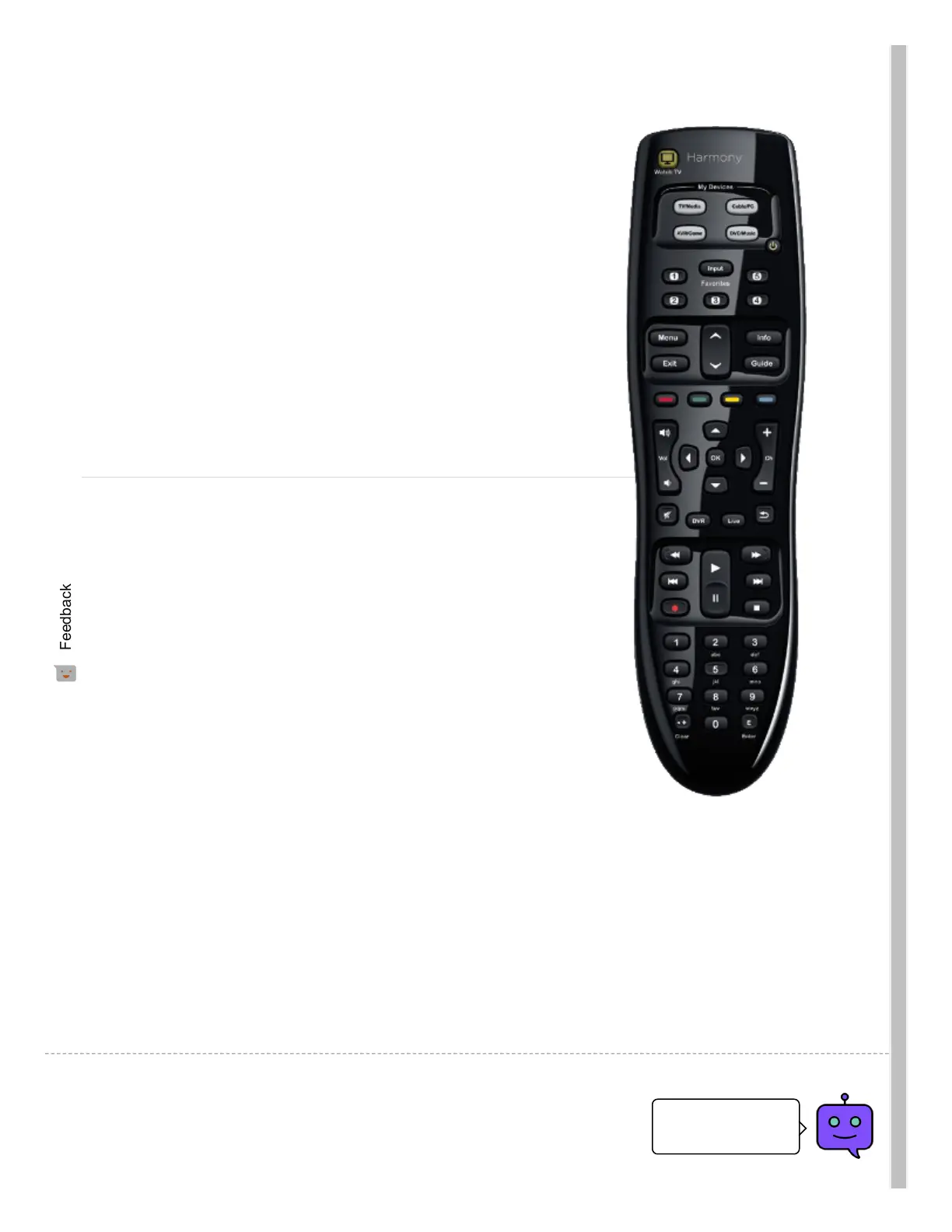
Add up to 5 Favorite Channels to your remote Learn more
about Adding Favorite Channels (./article.htm?faqid=s-
a-2139).
Adjust and tweak each of your buttons.
Customize these buttons to perform whatever functions
you choose. Jump to your Favorite Channels, switch to
picture-in-picture, or change screen size. Learn more
about customizing your remote buttons (./article.htm?
faqid=s-a-2119).
Using your Harmony
Keep your devices in sync
To help keep your Harmony in sync with your devices,
avoid turning your television, cable/satellite box and
other devices on and o manually or by using their
original remote control.
Additional Support Resources

 To Next Page
 Loading...