Program stop
^
Press the f "End" button to stop the
program.
2 Hot Wash / Cottons dry
Program stop
ü f
^
Press the h "Start" button to continue the
program.
Canceling a program
^
To cancel a program, press the f "End"
button twice.
Skip or repeat program sequences
Sequences of a program in progress can be
skipped or repeated.
^
Press the f "End" button to stop the
program.
2 Hot Wash / Cottons dry
Program stop
ü f
^
Press the ü "Gather" button.
The display shows the current program
segment. See the programming guide
"Program structure".
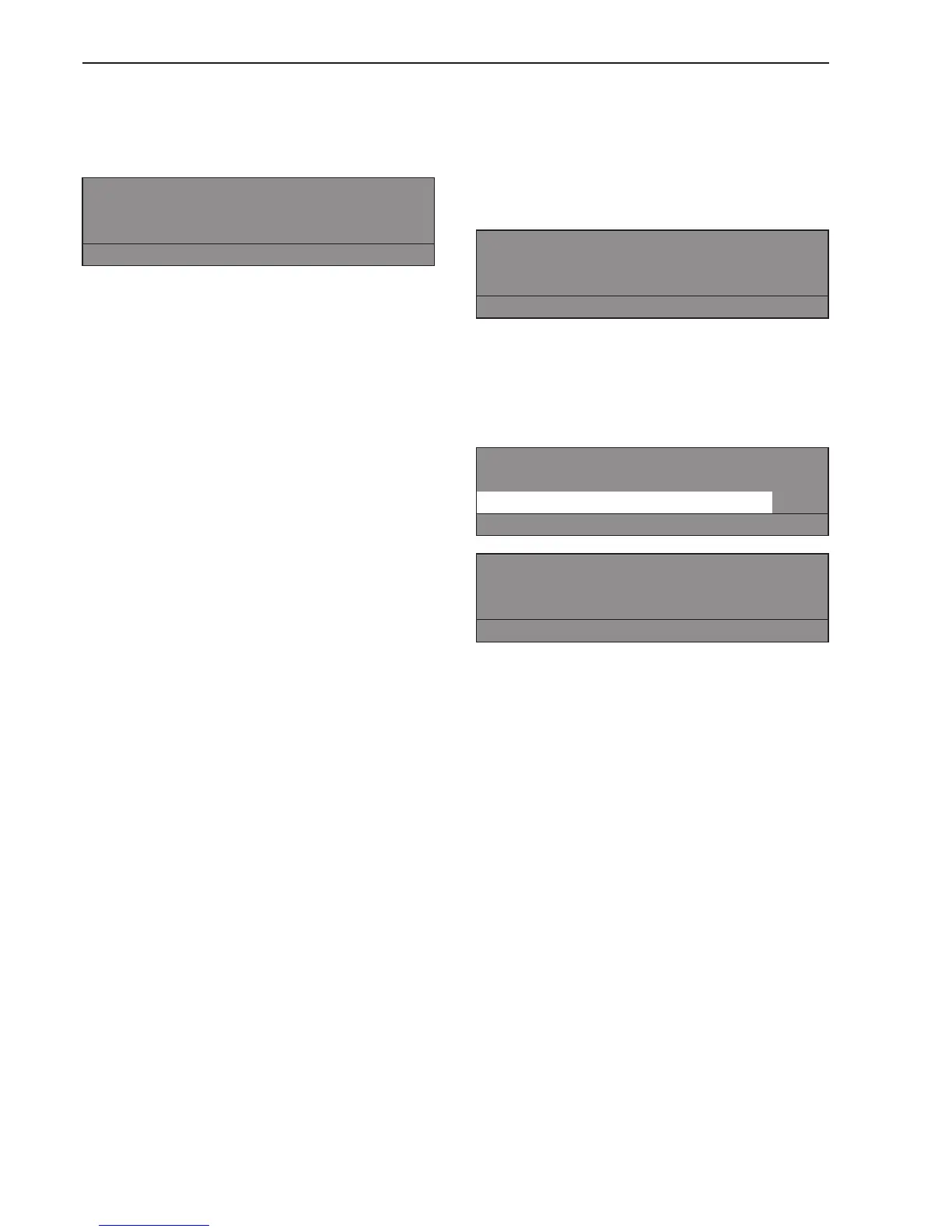
Gather -> 2 Hot Wash / Cottons dry
Program stop
Area 1: Drying e
S A
Area 1: Drying
Block 1: Pre-drying
-
S A
^ Turn the jog shuttle to "Area" and press it to
confirm the selection.
Area: Select 1 Drying or 2 Cooling and
confirm.
^
Turn the jog shuttle to "Block" and press it
to confirm the selection.
Block: Select Drying 1-10 or Cooling 1-10
and confirm.
^
Press the S "Save" and h "Start" button to
skip the program cycles.
^
To go back without skipping program
cycles:
Press the A "Back" to go back to the
program stop.
Extra features
18



 To Next Page
 Loading...