MEGA ePower 1000HD
5
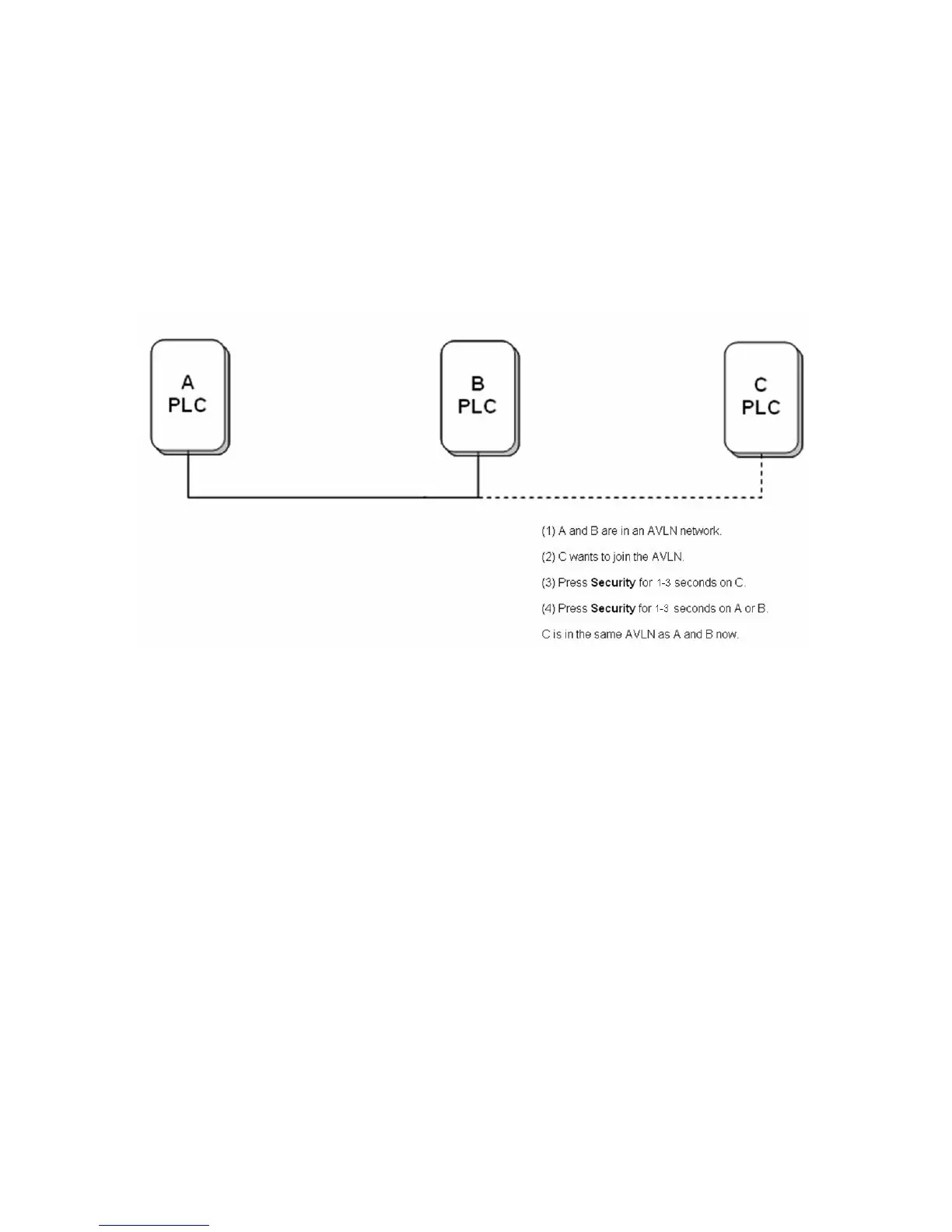
(2) Press the button for 1-3 seconds on a device in the existing network (either
device A or B).
(3) Wait for the connection to complete. During the process, the Power indicators
on device C and the device in the network blink in green.
Figure 3 Adding a device to the network
Remove
Assume that an existing network contains devices A, B, and C and device C wants
to leave the network. To remove device C from the network, do as follows:
(1) Press the button for more than 10 seconds on device C. A random network
key that is different from the original is generated.
(2) Device is not in the network after reboot.


 To Next Page
 Loading...



