53
Selecting Scenes for Shooting (Scene Mode)
More on Shooting
1 The self-timer is available.
2 Other settings can be selected.
y M u Food
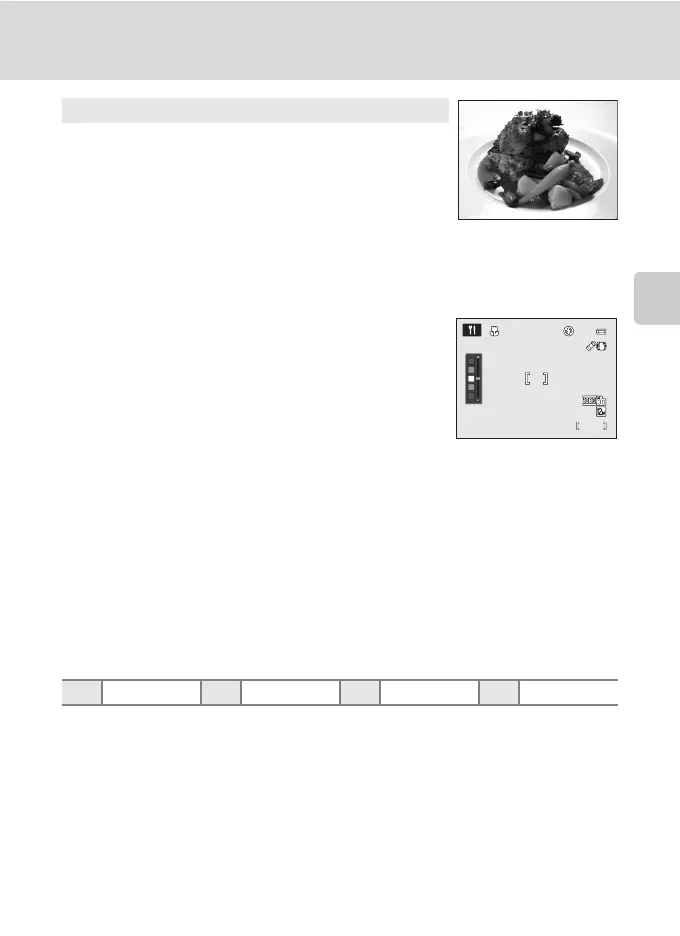
Use this mode when taking pictures of food.
• The macro mode (A38) is enabled and the camera
automatically zooms to the closest position to the subject
where the camera can shoot.
• The closest distance at which the camera can focus varies depending on the zoom
position. When the zoom is at a position where F and the zoom indicator light in green
(to the left of G), the camera can focus on subjects as close as 4 cm (1.6 in.) from the
lens. At the maximum wide-angle position, the camera can focus on subjects as close as
3 cm (1.2 in.) from the lens.
• You can adjust hue within a slider display at the left of the
monitor. Pressing the rotary multi selector H increases the
red hue, and pressing I increases the blue hue. The hue
adjustments are stored in the camera’s memory even after
the camera is turned off.
• AF area mode is set to Manual to enable the focus area to be chosen (A83). Press the
k button, and then rotate the rotary multi selector, or press H, I, J or K to move the
focus area.
To adjust the following settings, press the k button to temporarily cancel focus area
selection, and then adjust each setting.
-Hue
- Self-timer
- Exposure compensation
• The camera focuses continuously until focus is locked by pressing the shutter-release
button halfway.
• As pictures are easily affected by camera shake, be sure that Vibration reduction
(A150) is enabled and hold the camera steadily.
XWn Off
1
p On o 0.0
2
1/250
1/250
1342
1342
F5.6
F5.6


 To Next Page
 Loading...











