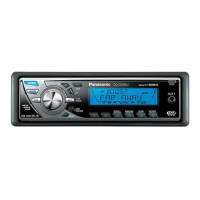
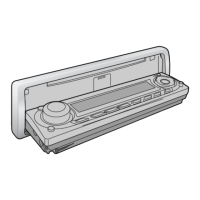
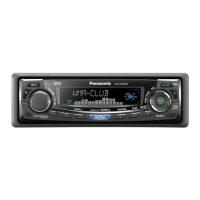
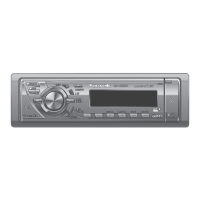
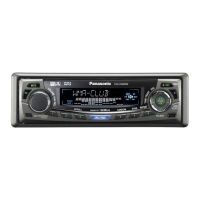
1
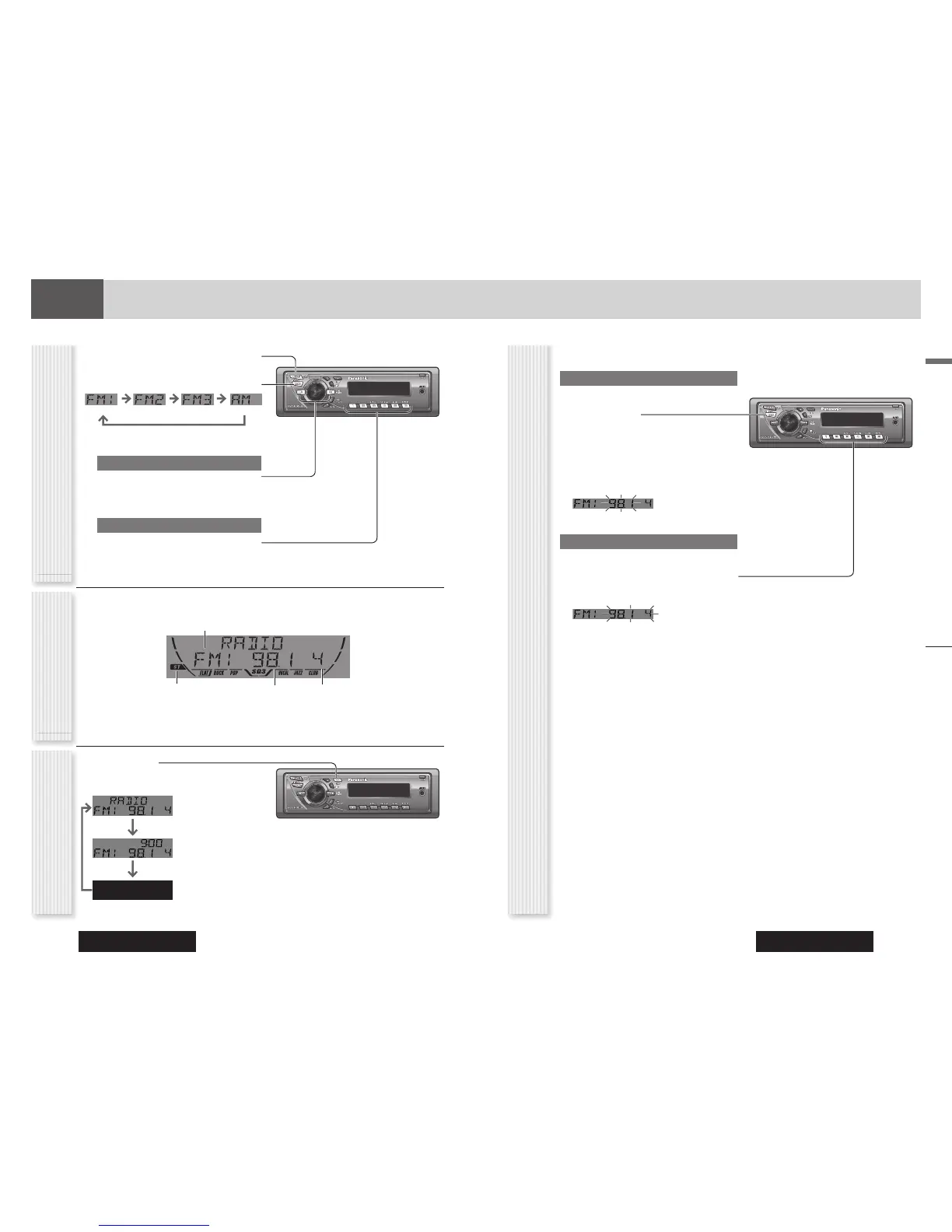
Press [SOURCE] to select the radio
mode.
2
Press [BAND] to select a band.
3
Select a station.
Frequency Adjustment
[] (TUNE): Higher
[] (TUNE): Lower
Note: Hold down for 0.5 sec. or more and release
for station search.
Preset Station Selection
Press the numeric button [1] to [6].
Radio
This chapter explains how to listen to the radio.
Band
Preset Number
Frequency
Lights while receiving an
FM stereo signal.
Operation FlowRadio Mode Display
Radio
Up to 6 stations can be preset in AM, FM1, FM2, and FM3
respectively.
Auto Preset Memory (APM)
Stations with good receiving conditions automatically
preset.
1
Select a band.
2
Hold down [BAND] (APM) for 2 sec. or
more.
The preset stations under best receiving conditions
are received for 5 sec. each after presetting the
stations (SCAN). To stop scanning, press the
numeric button [1] to [6].
Note: New stations overwrite existing saved stations.
Manual Station Preset
1
Tune in to a station.
2
Hold down the numeric button [1] to [6]
for 2 sec. or more.
Station Preset
(APM: Auto Preset Memory)
Display Change
(DISP: Display)
Press [DISP].
Frequency
Clock time
Display Off


 To Next Page
 Loading...