I/O mapping
107967_en_01 PHOENIX CONTACT 3/12
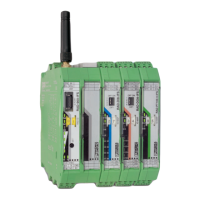
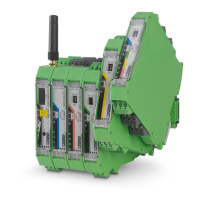
4 Schematic view
Figure 2 Schematic view
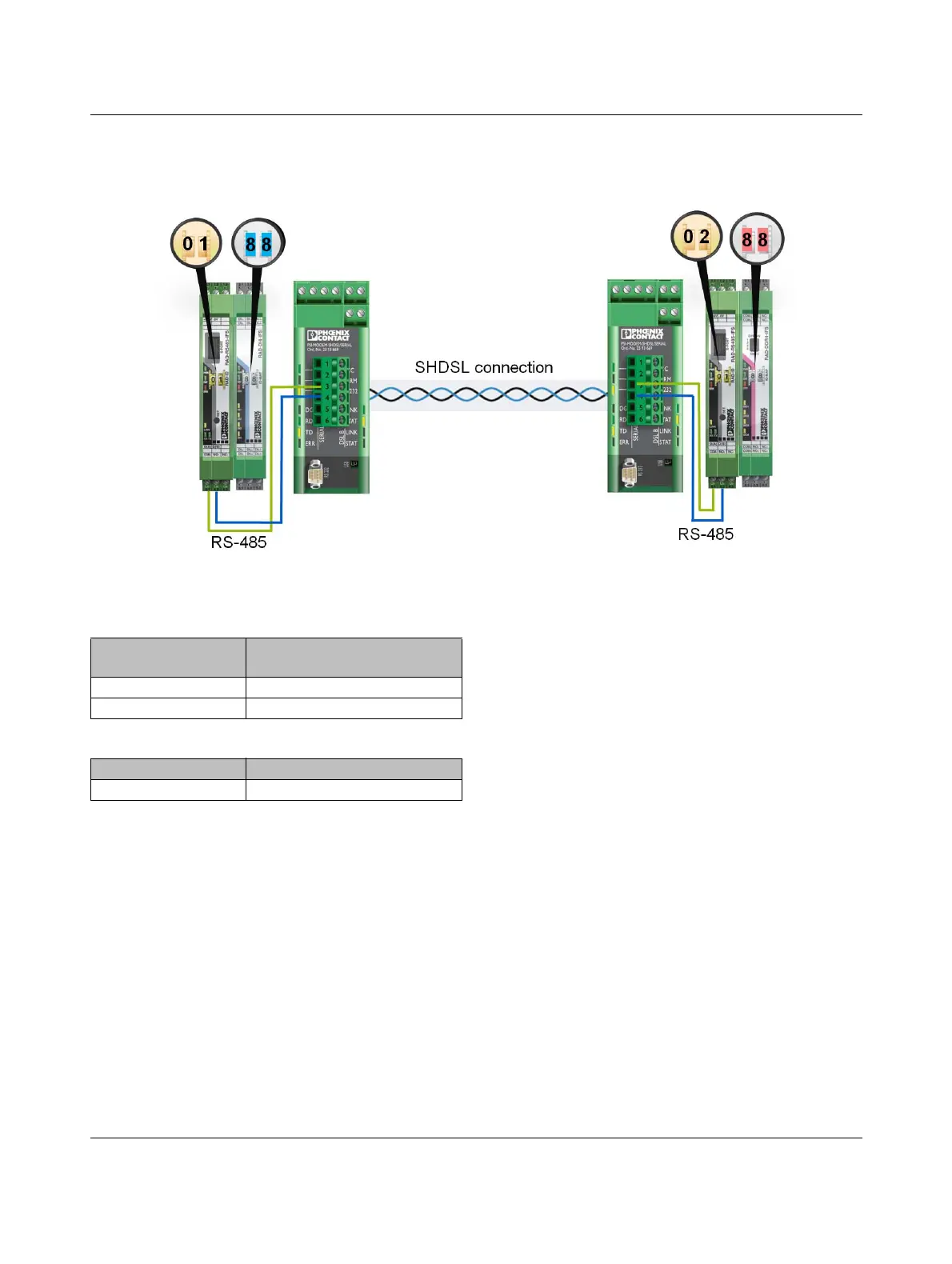
5 Setting the thumbwheel
Use the thumbwheel on the front to address the wireless
modules and the extension modules.
Front module
• The role of the master and slave must be assigned in or-
der for the front modules to communicate.
– The master address is 01.
– The slave address is between 02 ... 99 (02 in our
example).
I/O extension modules
• Set the same address (e.g., 88) on both extension mod-
ules. In this way, the inputs are assigned the corre-
sponding outputs.
Table 1 RS-485 interface
RAD-RS485-IFS
front module
PSI-MODEM-SHDSL/SERIAL
SHDSL extender
Port 4.1 Port 3
Port 4.2 Port 4
Table 2 SHDSL interface
SHDSL extender 1 SHDSL extender 2
Port A (a and b
1
)
1
Connect a and b as desired.
Port B (a and b
1
)


 To Next Page
 Loading...