Need help?
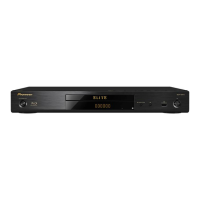
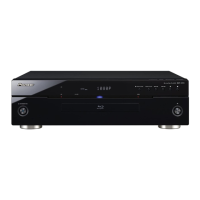
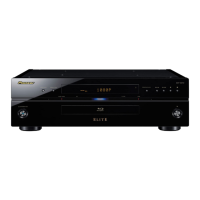
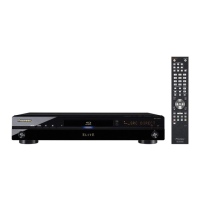
Do you have a question about the Pioneer Elite BDP-23FD and is the answer not in the manual?
Provides information on how to update the player's software.
Details which disc types and formats are compatible with the player.
Lists discs that cannot be played and supported audio formats.
Covers playback of DVDs, CDs, DualDiscs, and discs from computers.
Specifies supported image and audio file formats and extensions.
Details all the terminals and ports available on the rear panel.
Explains connecting via HDMI and its features like Deep Color.
Guides on connecting TVs and AV receivers/amplifiers.
Details supported audio signals and HDMI high-speed transmission.
Covers connecting to DVI devices and using the KURO LINK function.
Guides through the initial setup process using the navigator menu.
Details the final steps of the initial setup process.
Basic steps for playing discs and files, including resume playback.
Guides on selecting and playing discs from the HMG.
Details how to adjust video quality based on TV type and presets.
Guides through changing settings using the initial setup menu.
Details various audio output settings for different terminals.
Configures playback options, parental locks, and region settings.
Guides on setting up speakers and calibrating distances.
Details setting parental controls and age restrictions for discs.
Provides procedures for software updates and factory default reset.
Details audio output behavior based on disc format and settings.
Covers player moving, installation, ventilation, and heat.
Addresses common problems related to disc playback.
Resolves issues with KURO LINK functionality and network connectivity.
Provides technical specifications for the player model.
Provides information on how to update the player's software.
Details which disc types and formats are compatible with the player.
Lists discs that cannot be played and supported audio formats.
Covers playback of DVDs, CDs, DualDiscs, and discs from computers.
Specifies supported image and audio file formats and extensions.
Details all the terminals and ports available on the rear panel.
Explains connecting via HDMI and its features like Deep Color.
Guides on connecting TVs and AV receivers/amplifiers.
Details supported audio signals and HDMI high-speed transmission.
Covers connecting to DVI devices and using the KURO LINK function.
Guides through the initial setup process using the navigator menu.
Details the final steps of the initial setup process.
Basic steps for playing discs and files, including resume playback.
Guides on selecting and playing discs from the HMG.
Details how to adjust video quality based on TV type and presets.
Guides through changing settings using the initial setup menu.
Details various audio output settings for different terminals.
Configures playback options, parental locks, and region settings.
Guides on setting up speakers and calibrating distances.
Details setting parental controls and age restrictions for discs.
Provides procedures for software updates and factory default reset.
Details audio output behavior based on disc format and settings.
Covers player moving, installation, ventilation, and heat.
Addresses common problems related to disc playback.
Resolves issues with KURO LINK functionality and network connectivity.
Provides technical specifications for the player model.
 Power
Power| power requirements | 120 V 60 Hz |
|---|
 Weight and Dimensions
| product weight | 8 lbs. 2 oz. (3.7 kg) |
|---|---|
| width | 16-9/16 inches (420 mm) |
| height | 3-1/4 inches (83 mm) |
| depth | 11 inches (287 mm) |

 To Next Page