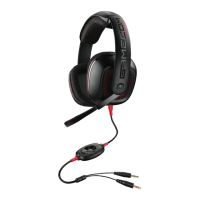
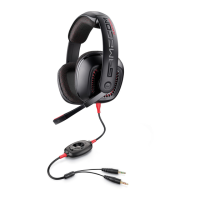
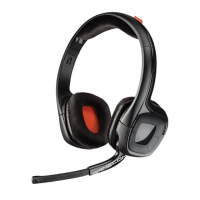
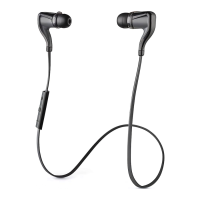
ENGLISH
WINDOWS VISTA®, WINDOWS XP® AND
WINDOWS 7 USERS
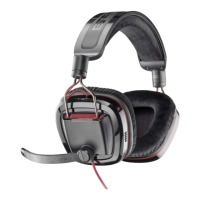
1. Insert GameCom USB cable into USB port
on PC.
2. Insert enclosed GameCom Dolby 7.1 CD
into PC CD/DVD drive.
3. Software install (setup.exe) will
automatically start. Follow on screen
instructions to complete installation.
For more detailed instructions, or if
installation does not automatically start, visit
plantronics.com/myheadset.
TROUBLESHOOTING
You may need to restart some applications
before they will recognize the GameCom
device.
NOTE: For further troubleshooting, or for more
information, visit plantronics.com.
PRODUCT SPECIFICATIONS
Cable length . . . . . . . . . . . . . . . . . . . . . . 2 meters/6 feet
Speaker driver size . . . . . . . . . . . . . . .40 mm diameter
Speaker frequency response . . . . . . .20 Hz—20 kHz
Speaker sensitivity . . . . . . . . . . . . . . .123 dBSPL /mW
Speaker impedance . . . . . . . . . . . . . . . . . . . . . . 32 ohms
Microphone frequency response . .100 Hz—10 kHz
Microphone sensitivity . . . . . . . . -45 dBV/Pa ± 5 dB
Maximum power input for speakers . . . . . . . . 10mW


 To Next Page
 Loading...