9 English
02 Getting Started
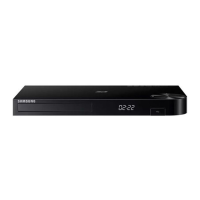
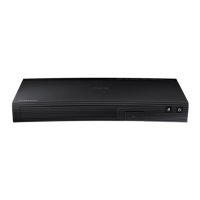
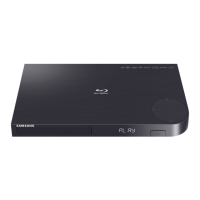
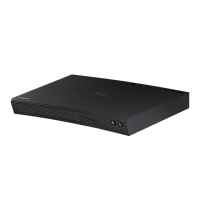
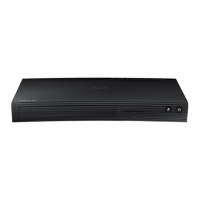
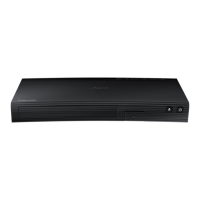
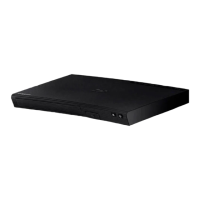
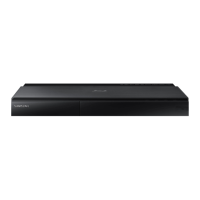
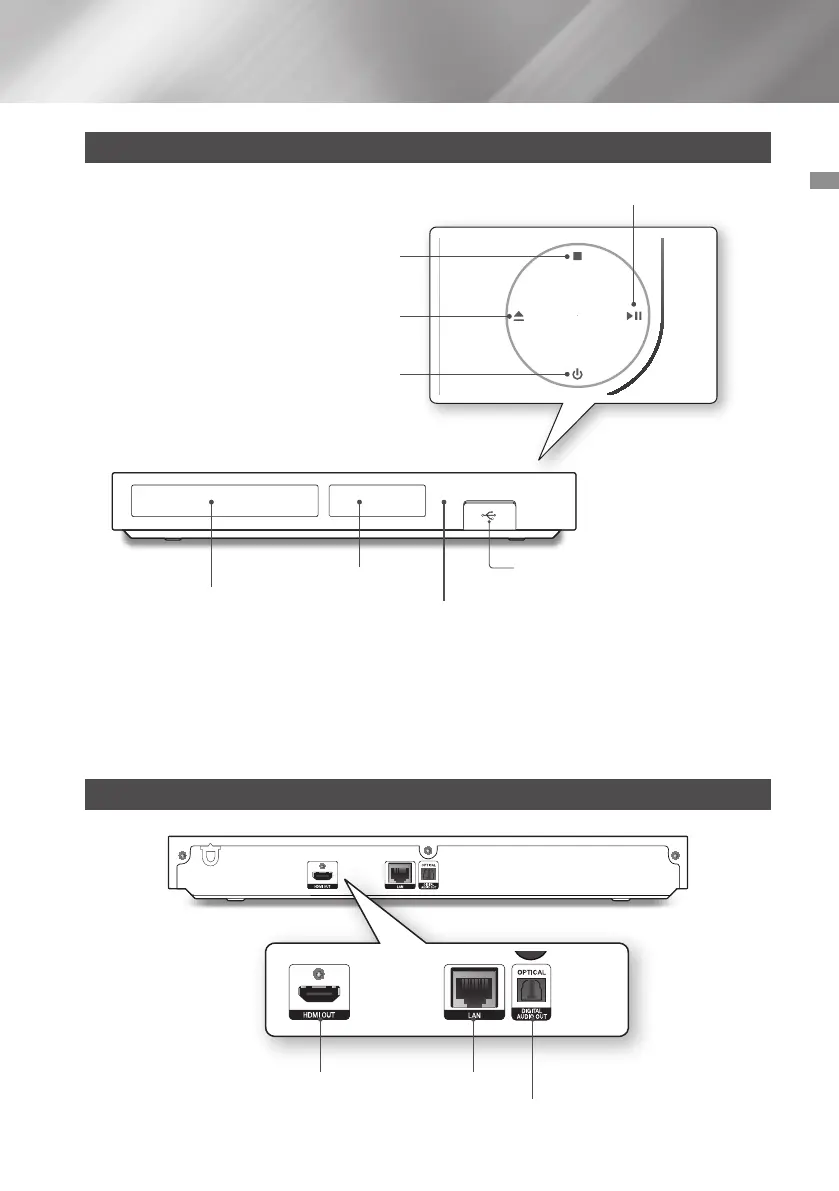
Front Panel
PLAY/PAUSE BUTTON
USB HOST
REMOTE CONTROL SENSOR
DISC TRAY
DISPLAY
STOP BUTTON
POWER BUTTON
OPEN/CLOSE BUTTON
| NOTES |
\
To upgrade the product's software through the USB HOST jack, you must use a USB memory stick.
\
When the product displays the Blu-ray Disc's menu, you cannot start the movie by pressing the Play button on the product
or the remote control. To play the movie, you must select Play Movie or Start in the disc's menu, and then press the
v
button on the remote control.
Rear Panel
HDMI OUT LAN
DIGITAL AUDIO OUT


 To Next Page
 Loading...