Getting Started
12 - English
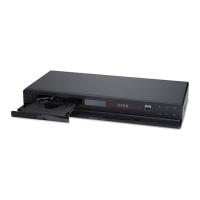
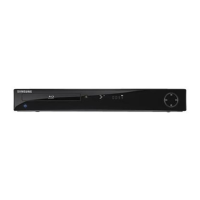
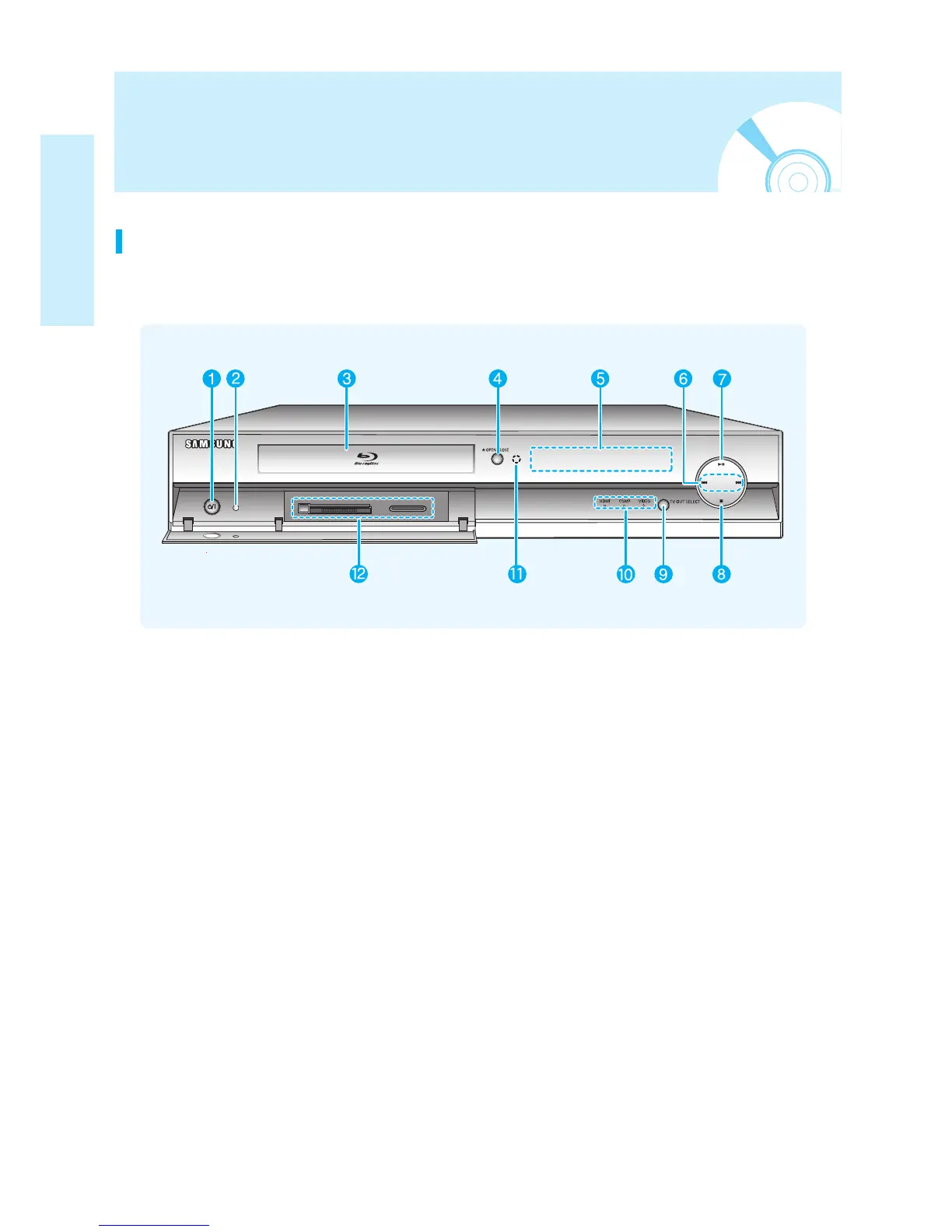
1. POWER BUTTON
Turns the Blu-ray disc player on and off.
2. STANDBY INDICATOR
When the unit is first plugged in,
this indicator lights.
3. DISC TRAY
Opens to accept a disc.
4. OPEN/CLOSE BUTTON
Opens and closes the disc tray.
5. DISPLAY
Displays the playing status, time, etc.
6. SEARCH/SKIP BUTTONS
Goes to the next title/chapter/track or goes
back to the previous title/chapter/track.
7. PLAY/PAUSE BUTTON
Plays a disc or pauses playback.
8. STOP BUTTON
Stops disc playback.
9. TV OUT SELECT BUTTON
Choose video output from HDMI or
COMPONENT or VIDEO/S-VIDEO.
10. VIDEO OUT INDICATORS
- HDMI INDICATOR : Lights when HDMI
OUT mode is selected.
- COMP INDICATOR : Lights when
COMPONENT OUT mode is selected.
- VIDEO INDICATOR : Lights when VIDEO or
S-VIDEO OUT mode is selected.
11. Remote Control Sensor
12. MEMORY CARD SLOT
Insert a memory card here.
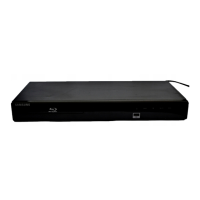
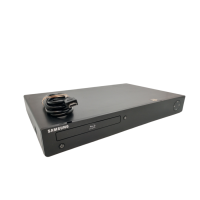
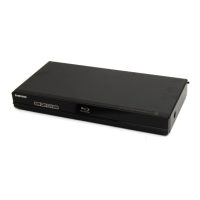
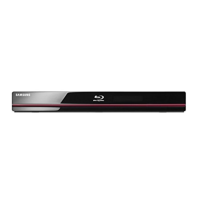
Front Panel
Description


 To Next Page
 Loading...