English - 37
System Setup
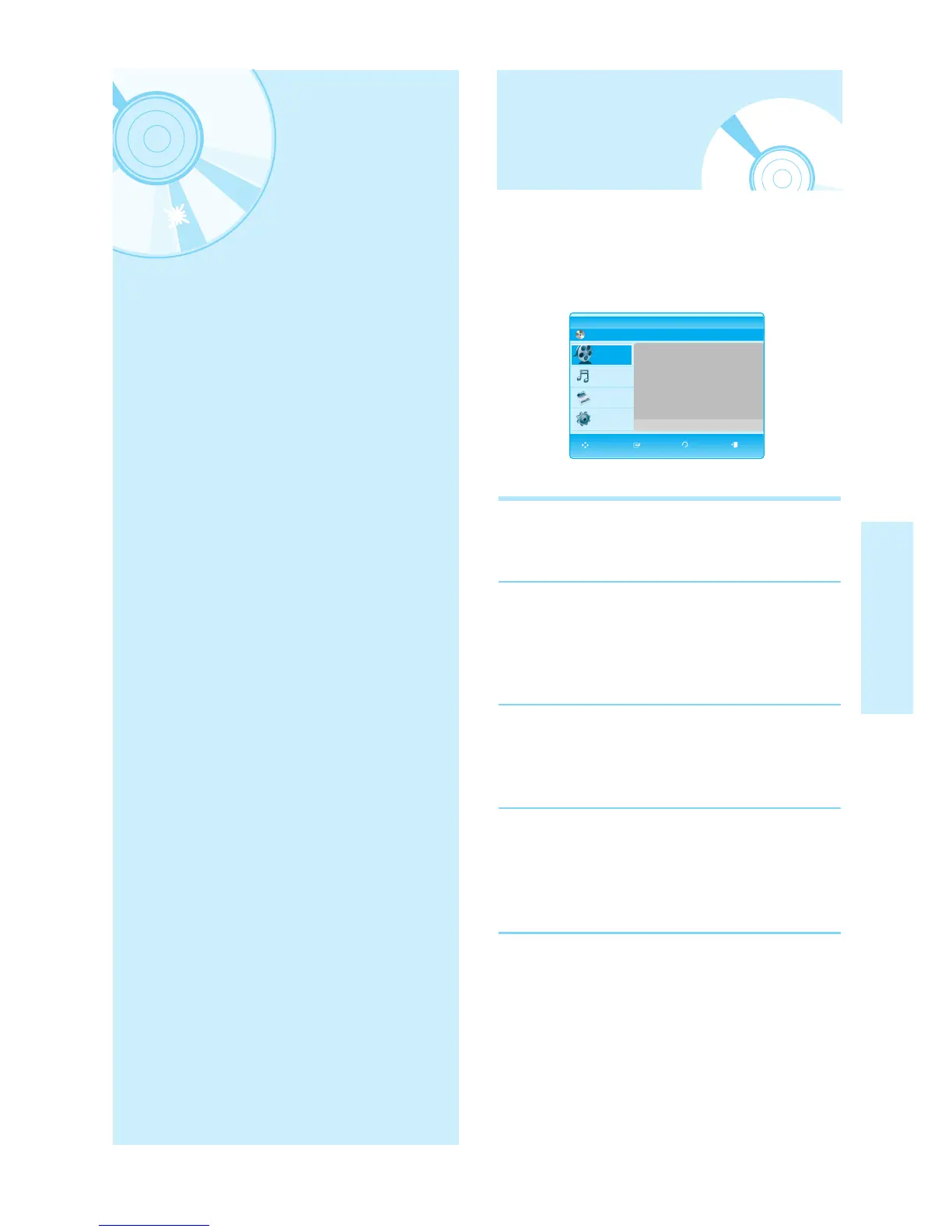
The on-screen menus allow you to enable or disable
various functions on your Blu-ray disc player.
Use the following buttons to open and navigate
through the on-screen menus.
1
EXIT Button
Press this button to exit the on screen menu.
2
…†œ √ Buttons
Press these buttons on the remote control to move
the selection bar …†œ √ to cycle through the
menu options.
3
ENTER Button
Press this button on the remote control to confirm any
new settings.
4
RETURN Button
Press this button on the remote control to return to
the Previous menu screen displayed or to exit the
on-screen menu.
System Setup
On-Screen Menu
Navigation
On-Screen Menu Navigation . . . . . . . . . . . . . . . .37
Setting up the Language Options . . . . . . . . . . . .38
Setting up the Audio Options . . . . . . . . . . . . . . .38
Setting up the Speaker Options . . . . . . . . . . . . .40
Setting up the Video display/output Options . . . .41
Setting up the HDMI setup options . . . . . . . . . . .43
Setting up the System Upgrade . . . . . . . . . . . . .45
Setting up the Parental Lock . . . . . . . . . . . . . . . .48
BD
BD Player Title
Press ENTER or Right button for Title List.
Title
Music
Photo
Setup
MOVE SELECT RETURN EXIT



 To Next Page
 Loading...