Repeat Play Program Play & Random Play
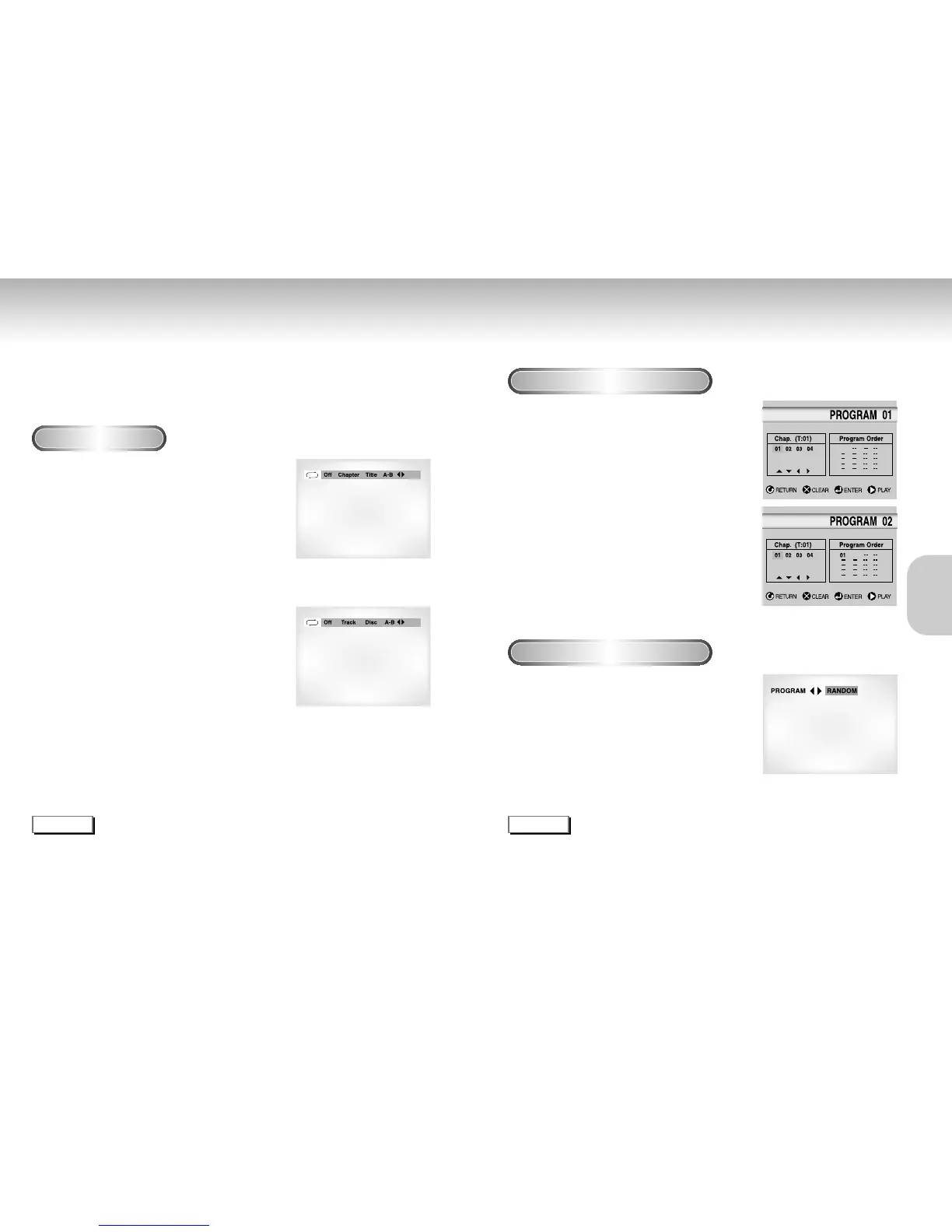
Repeat the current track, chapter, title, a chosen section (A-B), or all of the disc.
When playing a DVD
1
1
Press the REPEAT button on the remote. Repeat
screen appears.
2
2
Select Chapter, Title or A-B using the
LEFT/RIGHT buttons.
- Repeat A-B
• Press the REPEAT button. Select A-B on screen with the
LEFT/RIGHT buttons or press the A-B button on the remote.
• Press ENTER at the point where you want the repeat play to
start (A). The B is automatically highlighted.
• Press ENTER at the point where you want the repeat play to
stop (B).
3
3
Press ENTER.
4
4
To return to normal play, press REPEAT again,
then press the LEFT/RIGHT buttons to select Off
and press ENTER.
NOTE
• DVD repeats play by chapter or title, CD and VCD repeat play by disc or track.
See page 32 to MP3 disc repeat Play.
• Depending on the disc, the Repeat function may not work.
• If the title or track is completed before marking the end (B), the end of title or track becomes B automatically.
• When in VCD 2.0 mode (MENU ON mode), this function does not work.
NOTE
• Depending on the disc, the Program and Random Play function may not work.
• When in VCD 2.0 mode (MENU ON mode), these functions do not work.
• To resume normal play, press the CLEAR button.
DVD
VCD/CD
Program Play (DVD/VCD/CD/MP3)
Random Play (DVD/VCD/CD/MP3)
1
1
Press the MODE button.
2
2
Use the LEFT/RIGHT buttons to select PROGRAM.
Press the ENTER button.
3
3
Use the LEFT/RIGHT buttons to select the first
chapter (or track) to add to the program.
Press the ENTER button. The selection numbers
appear in the Program Order box.
4
4
Press the PLAY/PAUSE button. The disc will be
played in programmed order.
1
1
Press the MODE button.
2
2
Use the LEFT/RIGHT buttons to select RANDOM.
Press the ENTER button.
The disc will be played in random order.
20 21
BASIC
BASIC
FUNCTIONS
FUNCTIONS


 To Next Page
 Loading...