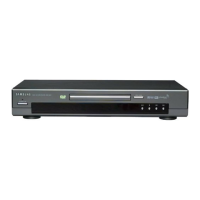
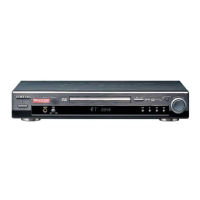
Playing a Disc
Before Play
Play
• Turn on your TV and press the TV/VIDEO button to select the video mode.
• Turn on your Audio System and select AUX, CD or DVD.
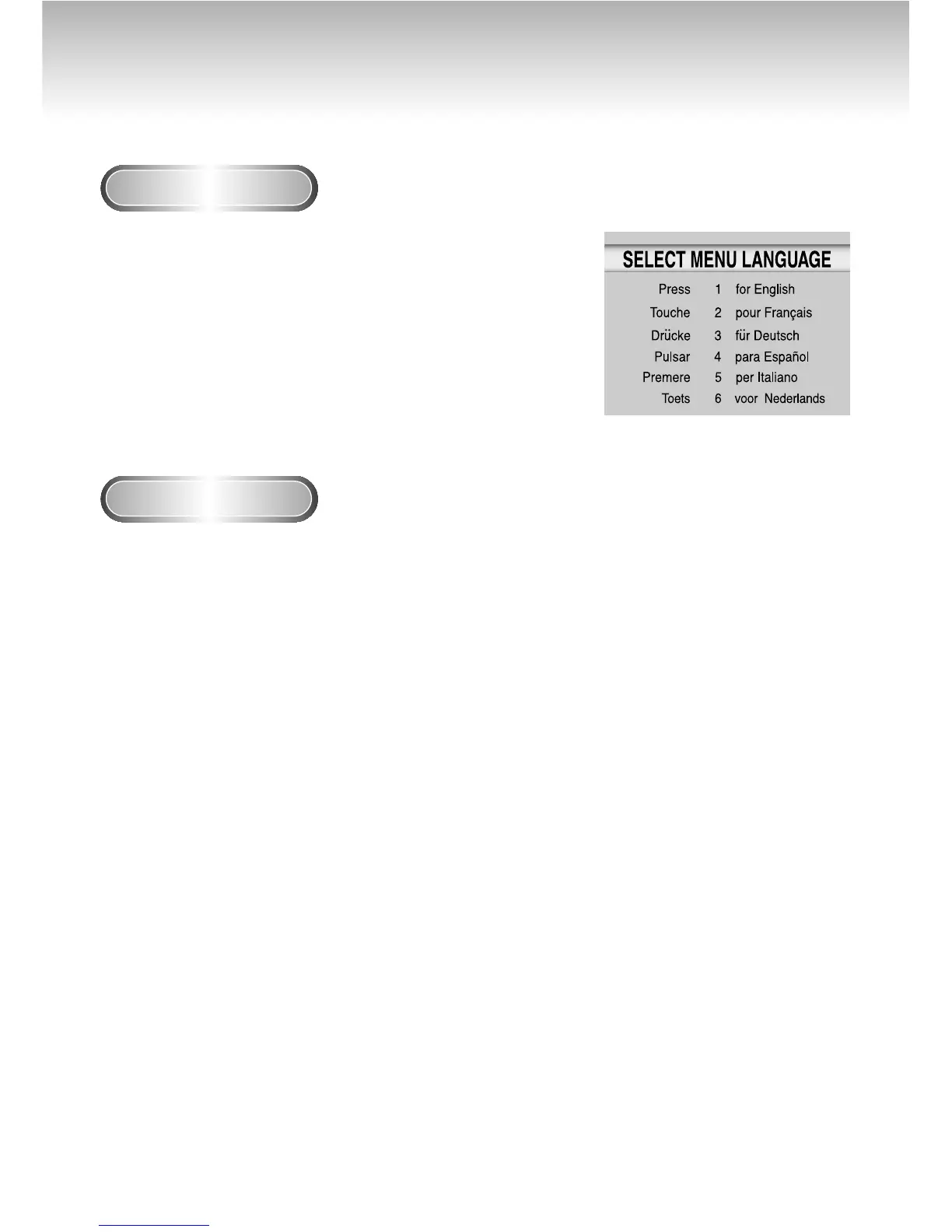
After plugging in the player, the first time you press the DVD POWER
button, this screen comes up :
If you want to select the language, press a NUMBER button.
(This screen will only appear the very first time you plug in the player.)
1
1
Press the OPEN/CLOSE button.
The STANDBY indicator light goes out and the tray opens.
2
2
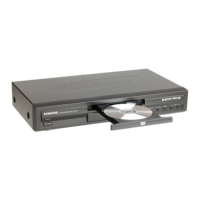
Place a disc gently into the tray with the disc’s label
facing up.
3
3
Press the PLAY/PAUSE button or OPEN/CLOSE button
to close the disc tray.
4
4
Stopping Play
Press the STOP button during play.
5
5
Removing Disc
Press the OPEN/CLOSE button.
6
6
Pausing Play
Press the PLAY/PAUSE or STEP button on the remote during play.
- Screen stops, no sound.
- To resume again, press PLAY/PAUSE button once again.
22


 To Next Page
 Loading...