Shooting options
51
Shooting in the dark
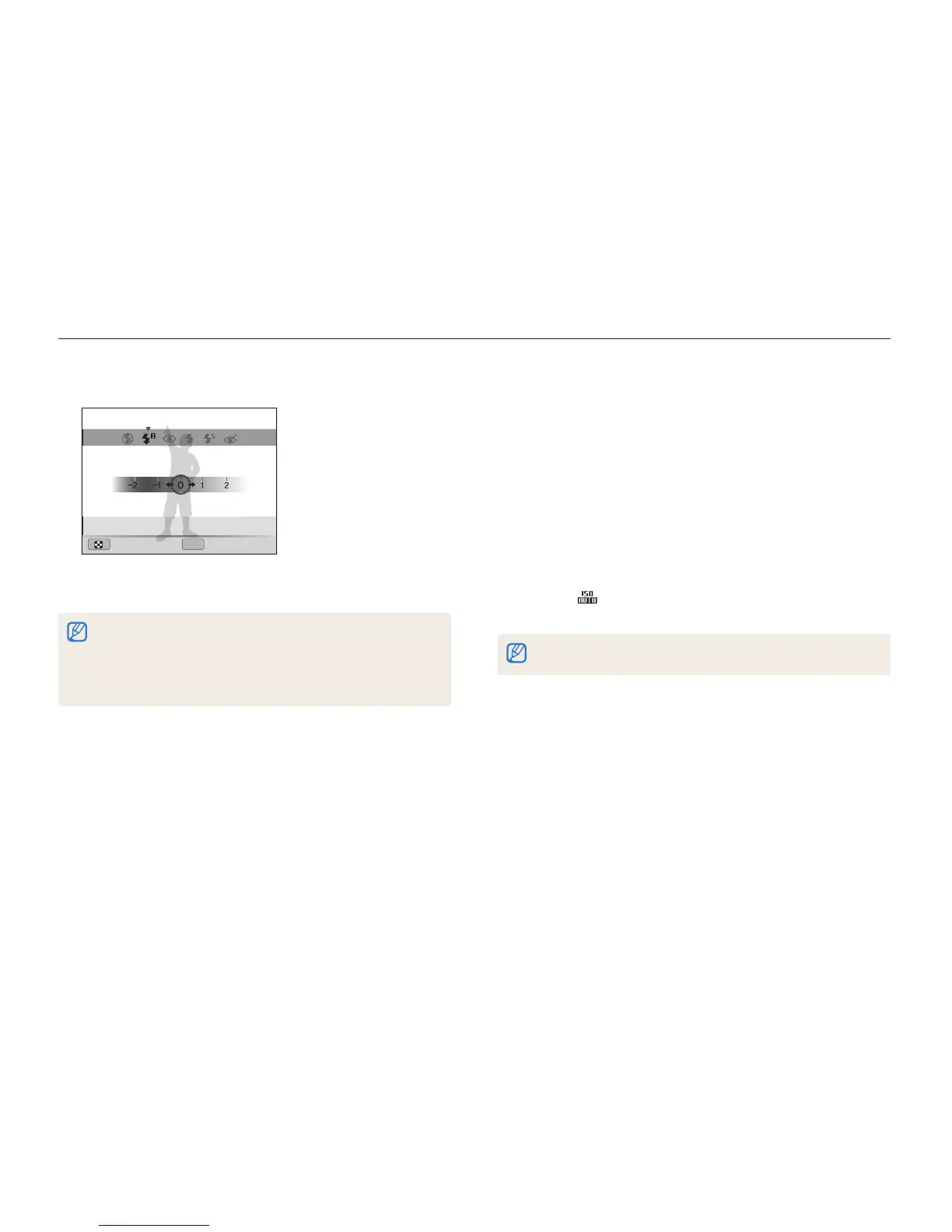
4
Press [
F
/
t
] to adjust the intensity.
OK
Back Set
Flash : Auto
5
Press [
o
] to save your settings.
•
Adjusting the flash intensity may not be effective if:
- the subject is too close to the camera
- you set a high ISO sensitivity
- the exposure value is too big or too small
•
In some shooting modes, you cannot use this function.
Adjusting the ISO sensitivity
The ISO sensitivity is the measure of a film’s sensitivity to light as
defined by the International Organization for Standardization (ISO).
The higher ISO sensitivity you select, the more sensitive to light
your camera becomes. With a higher ISO sensitivity, you can get
a better photo without using the flash.
1
In Shooting mode, press [
m
].
2
Select
a
ISO.
3
Select an option.
•
Select to use an appropriate ISO sensitivity based on the
brightness of the subject and lighting.
Higher ISO sensitivities may result in more image noise.
pAhM


 To Next Page
 Loading...