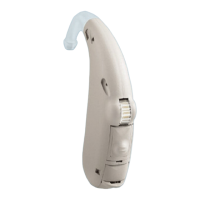
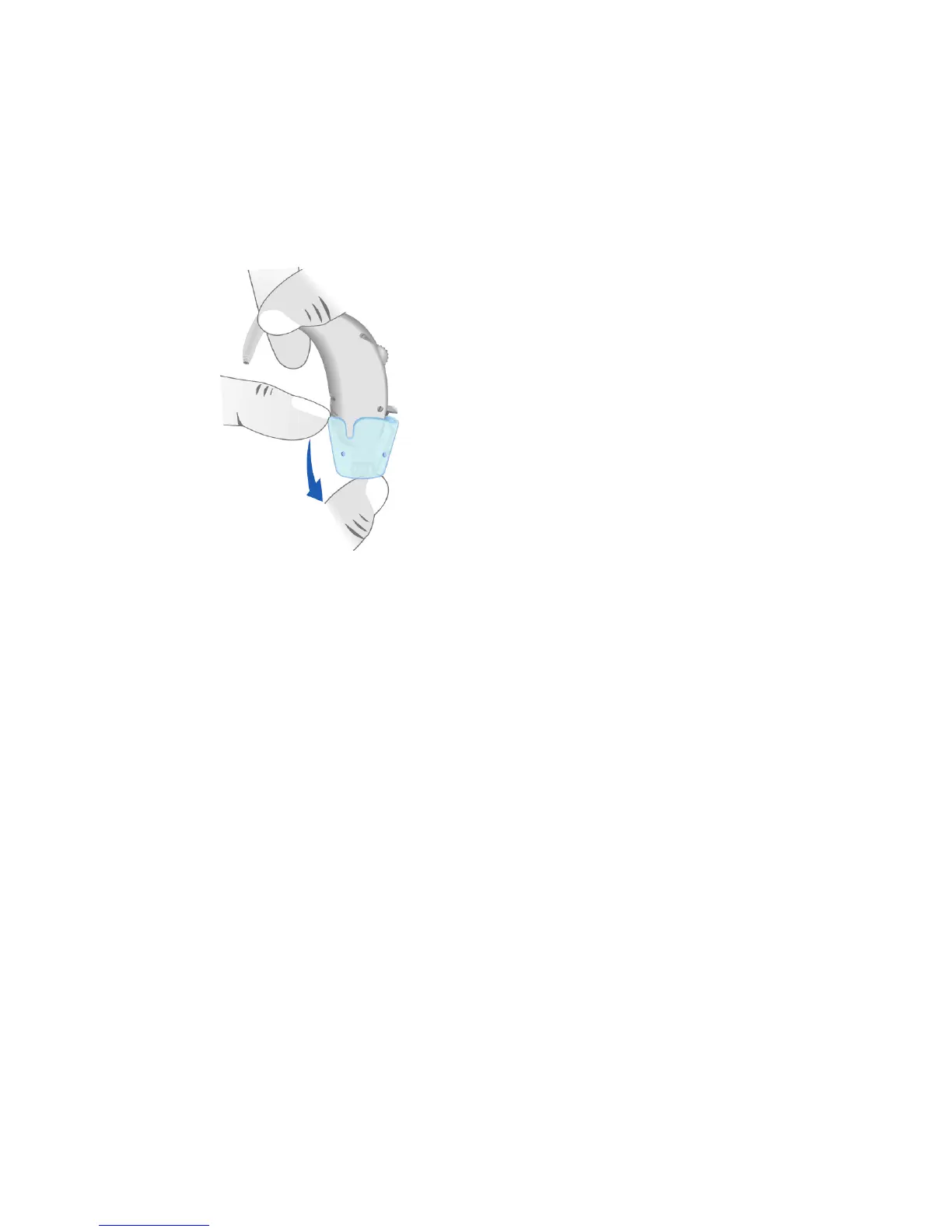
Removing the audio shoe
To remove the audio
shoe, slide it in the
opposite direction.
Any other method of
inserting or removing
the audio shoe may
result in damaging the
audio shoe or hearing
instrument housing.
With the connected audio shoe, the
battery compartment switch is
disabled and the hearing instrument
can only be switched off with the
push button.
Safety instructions for hearing
instruments with audio input:
The audio input may be connected to
line-operated equipment only if the
equipment fulfils the safety
requirement IEC 65 / DIN VDE 0860.


 To Next Page
 Loading...