Getting Started
19
GB
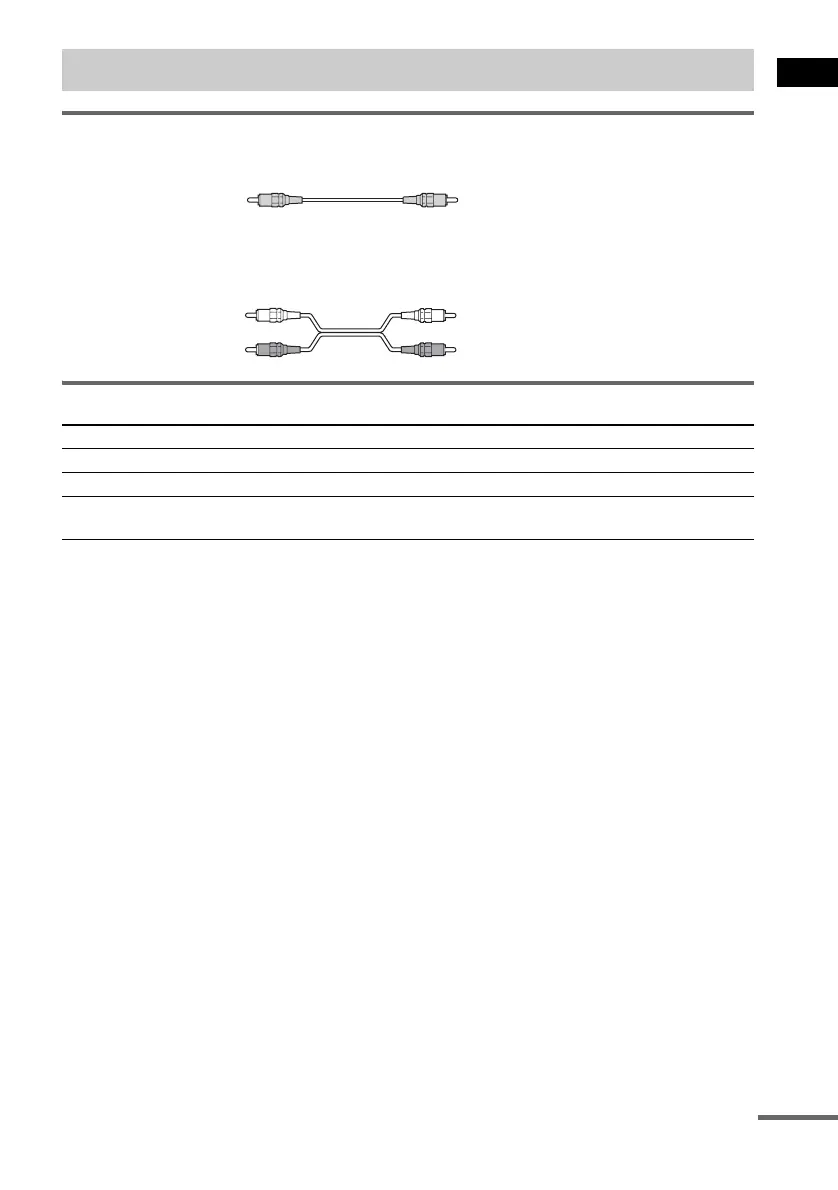
Required cords
Video cord for connecting a TV
Audio cords (not supplied)
When connecting a cord, be sure to match the color-coded sleeves to the appropriate jacks on the
components.
Terminals for connecting video components
Notes
• The video signal is output as below:
– When [COMPONENT OUT] is set to [INTERLACE] in [SCREEN SETUP] (page 73) (default)
The video signal is output from the S VIDEO and VIDEO jacks of MONITOR OUT.
– When [COMPONENT OUT] is set to [PROGRESSIVE] in [SCREEN SETUP] (page 73)
The video signal is output from the COMPONENT VIDEO OUT jacks only.
• When you connect a VCR or digital satellite receiver to the VIDEO/SAT jacks of this system, change the function
to VIDEO or SAT (page 65).
Tips
• When using the S video jack instead of the video jacks, your TV monitor must also be connected via an S video
jack. S video signals are on a separate bus from the video signals and will not be output through the video jacks.
• When using the COMPONENT VIDEO OUT jacks (Y, P
B/CB, PR/CR) instead of the video jacks, your TV monitor
must also be connected via COMPONENT VIDEO OUT jacks (Y, P
B/CB, PR/CR). If your TV accepts progressive
format signals, you must use this connection and set [COMPONENT OUT] to [PROGRESSIVE] in [SCREEN
SETUP] (page 73).
Step 3: TV and Video Component Hookups
Connect the To the
TV (VIDEO IN) MONITOR OUT (VIDEO) jack
VCR (AUDIO OUT) VIDEO (AUDIO IN) jacks
Digital satellite receiver
(AUDIO OUT)
SAT (AUDIO IN) jacks
Yellow
White (L/audio)
Red (R/audio)
continued


 To Next Page
 Loading...