18
US
Controlling the
Bluetooth mobile
phone – HFP, HSP
The operation of the buttons on this
unit varies depending on your
mobile phone.
HFP (Hands-free Profile) or HSP
(Headset Profile) is used for
Bluetooth mobile phone. Refer to
the operating instructions supplied
with your Bluetooth mobile phone
on supported Bluetooth profiles or
how to operate.
HFP (Hands-free Profile)
HSP (Headset Profile)
*
1
Some functions may not be supported
depending on the Bluetooth mobile
phone.
*
2
This may vary, depending on the
Bluetooth mobile phone.
*
3
Some functions may not be supported
when calling using the Bluetooth
mobile phone.
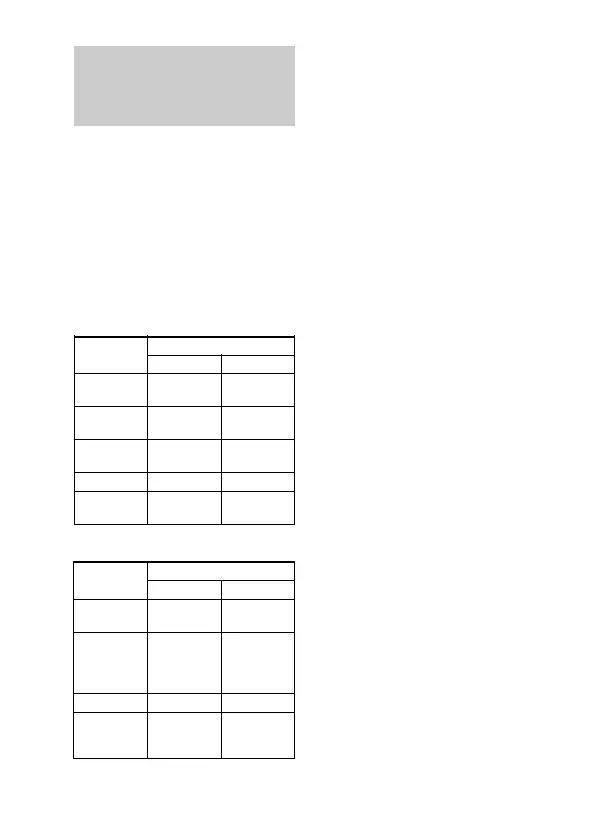
Status Multi function button
Standby
Voice Dial
active
Outgoing call
Incoming call
During call
Short Press
Start Voice
Dial
Cancel Voice
Dial
End outgoing
call
Answer
End call
Long Press
Last number
redial
–
–
Reject
Change active
device
Status Multi function button
Standby
Outgoing call
Incoming call
During call
Short Press
–
End outgoing
call
*
1
Answer
End call
*
3
Long Press
Dial
*
1
End outgoing
call or change
active device to
headset*
2
–
Change active
device to
headset


 To Next Page
 Loading...