15
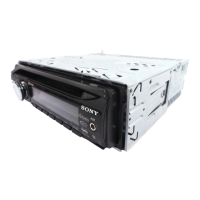
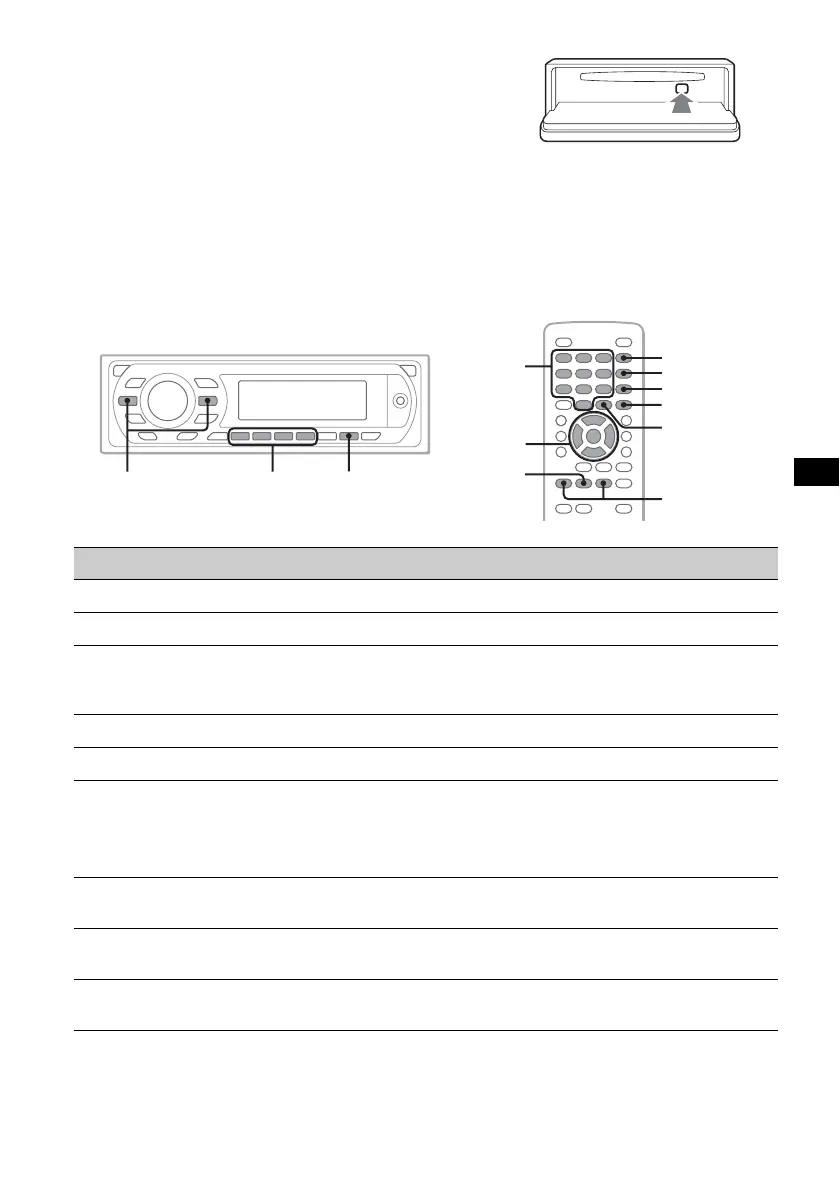
To eject the disc
1 Press (OPEN) on the main unit.
2 Press Z (rear of front panel).
3 Close the front panel.
About the DVD menu
A DVD is divided into several sections, which make up a picture or music feature. These sections are
called “titles.” When you play a DVD that contains several titles, you can select a desired title using the
DVD’s top menu. For DVDs that allow you to select items such as subtitle/sound language(s), select
these items using the DVD menu.
Other playback operations
*1 Unavailable depending on the disc.
*2 When the 4-digit input prompt appears, input the language code (page 59) for the desired language.
To Press
pause/resume play after pause u
skip a chapter/track/scene .m/M>
reverse/fast-forward disc and hold .m/M> momentarily; and then
repeatedly to switch the speed (× 2 t × 12 t × 120 t
× 2…)
cancel reverse/fast-forward u
show the DVD menu*
1
Remote: (TOP MENU) or (MENU)
select items in the DVD menu*
1
Main unit: (1)(b)/(2)(B)/(3)(V)/(4)(v) to move the
cursor, then press (6) (u) to confirm
Remote: </M/m/,/number buttons to move the cursor,
then press (ENTER) to confirm
change audio language/format/channel
(page 23)*
1
Remote: (AUDIO) repeatedly until the desired item appears
turn off/change the subtitle language*
1
Remote: (SUBTITLE) repeatedly until the desired item
appears*
2
change the viewing angle*
1
Remote: (ANGLE) repeatedly until the desired angle number
appears
Z
X
Z
</M/m/,
ENTER
MENU
SUBTITLE
ANGLE
AUDIO
TOP MENU
.m/M>
u
u
.m/M>
b/B/V/v
Number
buttons


 To Next Page
 Loading...