EasyManua.ls Logo

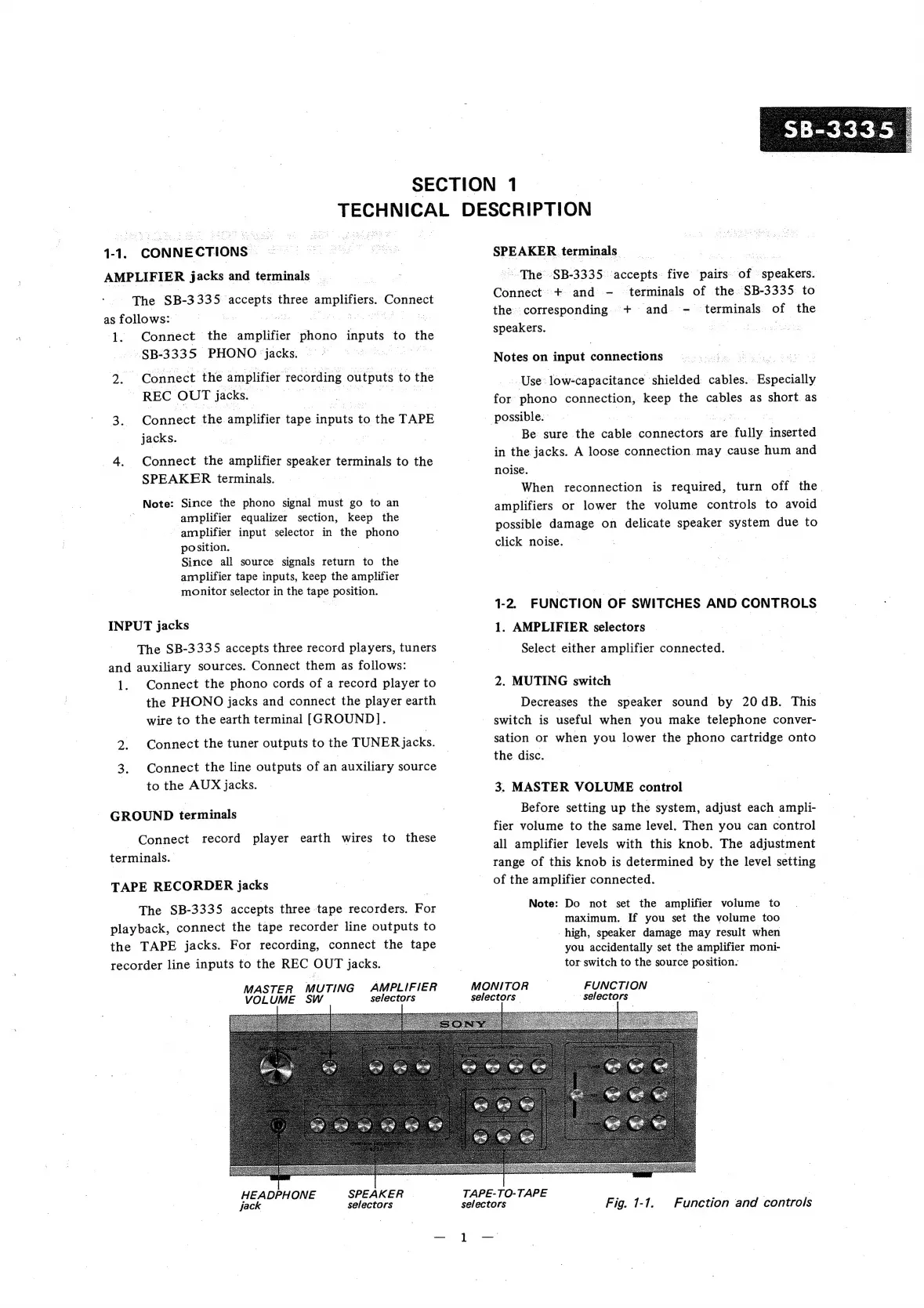
Sony SB-3335 - Function of Switches and Controls

Sony SB-3335
15 pages
Print Icon
To Next Page IconTo Next Page
To Previous Page IconTo Previous Page
Loading...
SECTION
1
eee
DESCRIPTION
1-1.
CONNECTIONS
AMPLIFIER
jacks
and
terminals
The
SB-
3335:
seis
three
amplifiers,
Connect
as
follows:
|
1.
Connect
the
vague
litte
phono
inputs
to
the
SB-3335
PHONO
‘jacks.
:
:
25
Connect
the
amplifier
recording
outputs
to
the
REC
OUT
jacks.
3:
Connect
the
aHiplitiei
tape
aout:
to
the
TAPE
jacks.
4.
Connect
the
amplifier
speaker
terminals
to
the
SPEAKER
terminals.
Note:
Since
the
phono
signal
must
go
to
an
amplifier
equalizer
section,
keep
the
amplifier
input
selector
in
the
phono
position.
Since
all
source
signals
return
to
the
amplifier
tape
inputs,
keep
the
amplifier
monitor
selector
in
the
tape
position.
INPUT
jacks
The
SB-3335
accepts
three
record
players,
tuners
and
auxiliary
sources.
Connect
them
as
follows:
1.
Connect
the
phono
cords
of
a
record
player
to
the
PHONO
jacks
and
connect
the
player
earth
wire
to
the
earth
terminal
[GROUND].
2.
Connect
the
tuner
outputs
to
the
TUNER
Jacks.
Connect
the
line
outputs
of
an
auxiliary
source
to
the
AUX
jacks.
GROUND
terminals
Connect
record
player
earth
wires
to
these
terminals.
TAPE
RECORDER
jacks
The
SB-3335
accepts
three
tape
recorders.
For
playback,
connect
the
tape
recorder
line
outputs
to
the
TAPE
jacks.
For
recording,
connect
the
tape
recorder
line
inputs
to
the
REC
OUT
jacks.
MASTER
MUTING
AMPLIFIER
VOLUME
SW
selectors
MONITOR
selectors
|
_
selectors
SPEAKER
terminals
~The
-SB-3335
‘accepts
five
pairs
of
aveieee:
Connect.
+
and
-
terminals
of
the.
SB-3335
to
the
corresponding
+
and
-
terminals
of
the
speakers.
| :
Notes
on
input
connections
Use
-low-capacitance
shielded
cables.
Especially
for
phono
connection,
keep
the
as
short
as
possible.
Be
sure
the
cable
connectors
are
fully
inserted
in
the
jacks.
A
loose
connection
may
cause
hum
and
noise.
When
reconnection
is
required,
turn
off
the.
amplifiers
or
lower
the
volume
controls
to
avoid
possible
damage
on
delicate
speaker
system
due
to
click
noise.
1-2.
FUNCTION
OF
SWITCHES
AND
CONTROLS
1.
AMPLIFIER
selectors
Select
either
amplifier
connected.
2.
MUTING
switch
Decreases
the
speaker
sound
by
20
dB.
This
switch
is
useful
when
you
make
telephone
conver-
sation
or
when
you
lower
the
phono
cartridge
onto
the
disc.
3.
MASTER
VOLUME
control
Before
setting
up
the
system,
adjust
each
ampli-
fier
volume
to
the
same
level.
Then
you
can
control
all
amplifier
levels
with
this
knob.
The
adjustment
range
of
this
knob
is
determined
by
the
level
setting
of
the
amplifier
connected.
Note:
Do
not
set
the
amplifier
volume
to
maximum.
If
you
set
the
volume
too
high,
speaker
damage
may
result
when
you
accidentally
set
the
amplifier
moni-
tor
switch
to
the
source
position.
FUNCTION
PESTS
Sea
HEADPHONE
SPEAKER
jack
selectors
TAPE-TO-TAPE
-
| 7
selectors
|
Fig.
1-1.
Function
and
controls

Related product manuals