31Adjusting the Picture Quality
Projecting
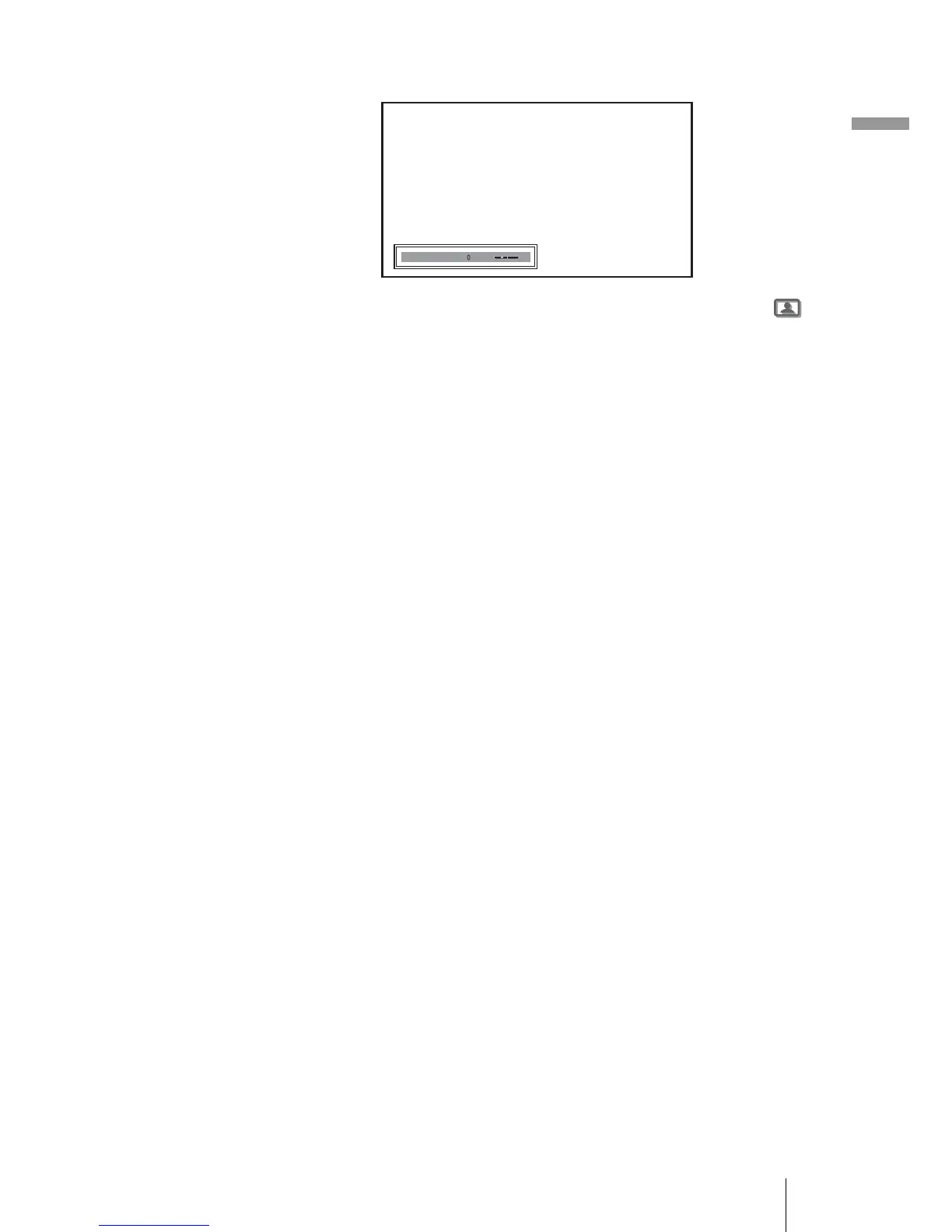
Example: To adjust the contrast
For details on each adjustment, see “Adjust Picture” in the Picture
menu. (1 page 37)
2 Make the setting or adjustment on an item.
When changing the adjustment level
To increase the value, press M or ,.
To decrease the value, press m or <.
When changing the setting
Press M or m to change the setting.
To adjust contrast and brightness
Press CONTRAST +/– on the remote control to adjust the contrast.
Press BRIGHT +/– on the remote control to adjust the brightness.
Contrast


 To Next Page
 Loading...








