14GB
Available Operations in
Pandora®
“Thumbs Up” or “Thumbs Down” feedback allows
you to personalize stations.
Thumbs Up
During playback, press .
Thumbs Down
During playback, press .
The station list allows you to easily select a desired
station.
1 During playback, press (browse).
2 Press to select the sorting order [BY
DATE] or [A TO Z].
3 Press / to select the desired station,
then press ENTER.
Playback starts.
The track or artist currently being played can be
bookmarked and stored in your Pandora® account.
1 During playback, press and hold MODE
until [BOOKMARK] appears.
2 Press / to select [TRK] (track) or [ART]
(artist), then press ENTER.
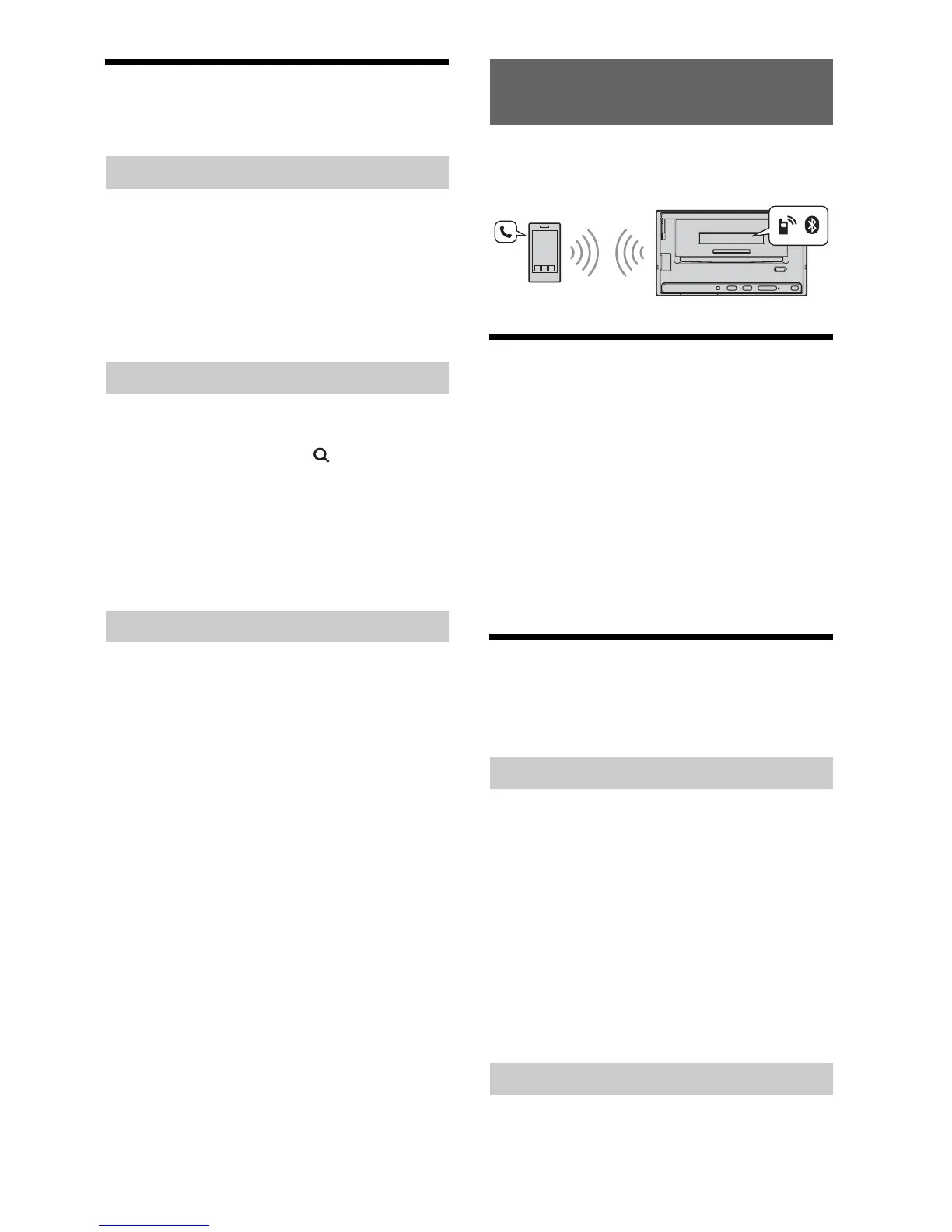
To use a cellular phone, connect it with this unit. For
details, see “Preparing a BLUETOOTH Device”
(page 7).
Receiving a Call
1 Press CALL when a call is received with a
ringtone.
The phone call starts.
Note
The ringtone and talker’s voice are output only from the
front speakers.
To reject the call
Press OFF.
To end the call
Press CALL again.
Making a Call
You can make a call from the phonebook or call
history when a cellular phone supporting PBAP
(Phone Book Access Profile) is connected.
1 Press CALL.
2 Press / to select [PHONEBOOK], then
press ENTER.
3 Press / to select an initial from the
initial list, then press ENTER.
4 Press / to select a name from the
name list, then press ENTER.
5 Press / to select a number from the
number list, then press ENTER.
The phone call starts.
1 Press CALL.
“Thumbs” feedback
Using the station list
Bookmarking
Handsfree Calling
Calling from the phonebook
Calling from the call history


 To Next Page
 Loading...