Apollo Twin Hardware Manual Chapter 3: Controls & Connectors 22
Front Panel
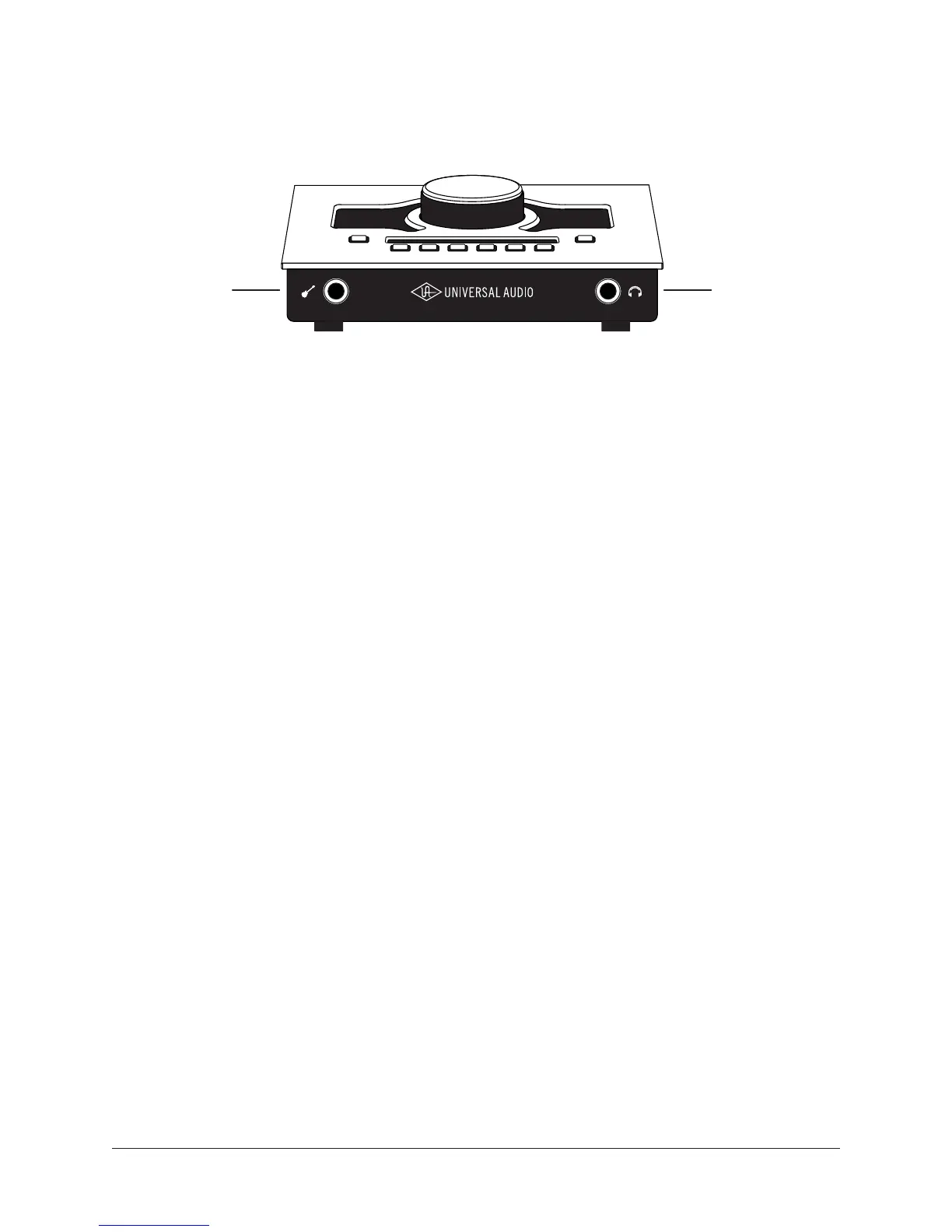
Refer to the illustration below for control descriptions in this section.
Apollo Twin’s front panel elements
(12) Hi-Z Instrument Input
Connect any guitar, bass, or other high impedance instrument here. This jack automati-
cally overrides the channel 1 mic and line inputs.
Levels for the Hi-Z input are set using the same method as the mic and line inputs.
Note: This jack accepts a ¼” mono (tip-sleeve) plug only.
(13) Headphone Output
Connect ¼” stereo headphones here. Volume is set with the Level knob (1) when Head-
phone (8) is selected with the Monitor button (10).
Side Panel
Kensington Security Slot (not shown)
The anti-theft security slot on the side panel connects to any standard Kensington lock.
12 13



 To Next Page
 Loading...