33
Complete Control
MX-4000
Owner’s Manual
Table of Contents
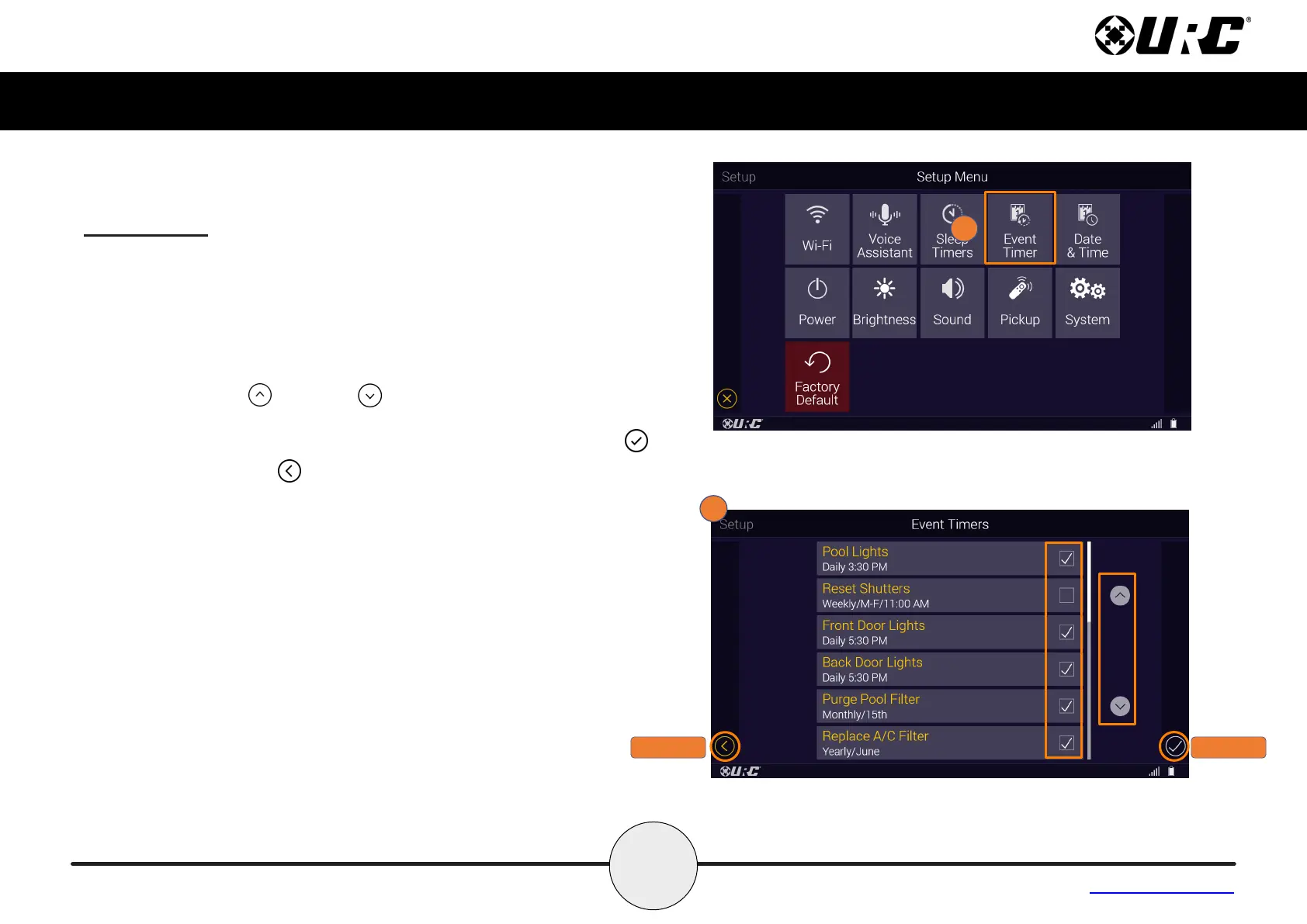
Event Timer
The Event Timer settings are used to enable and disable Event Timers
programmed within the Complete Control system
1. From the Setup Menu, select Event Timer.
2. Use the y and x check boxes to enable or disable the Event
Timers.
Using the up and down arrows gives the ability to scroll
through the list of event timers.
Once the times have been adjusted, press the Save button .
Pressing Cancel reverts the device to the last saved setting.
CANCEL
SAVE



 To Next Page
 Loading...