INCLUDED IN THIS PACKAGE
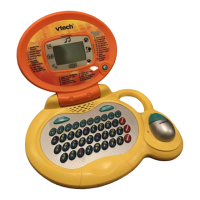
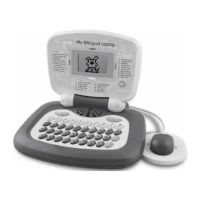
• one VTech
®
My Bilingual Laptop.
• Instruction manuals.
PREPARATION
POWER SOURCE
VTech
®
My Bilingual Laptop operates on 3 “AA” size batteries
(AM-3/LR6).
BATTERY INSTALLATION
1. Make sure the unit is turned OFF.
2. Open the battery cover on the back of
the unit.
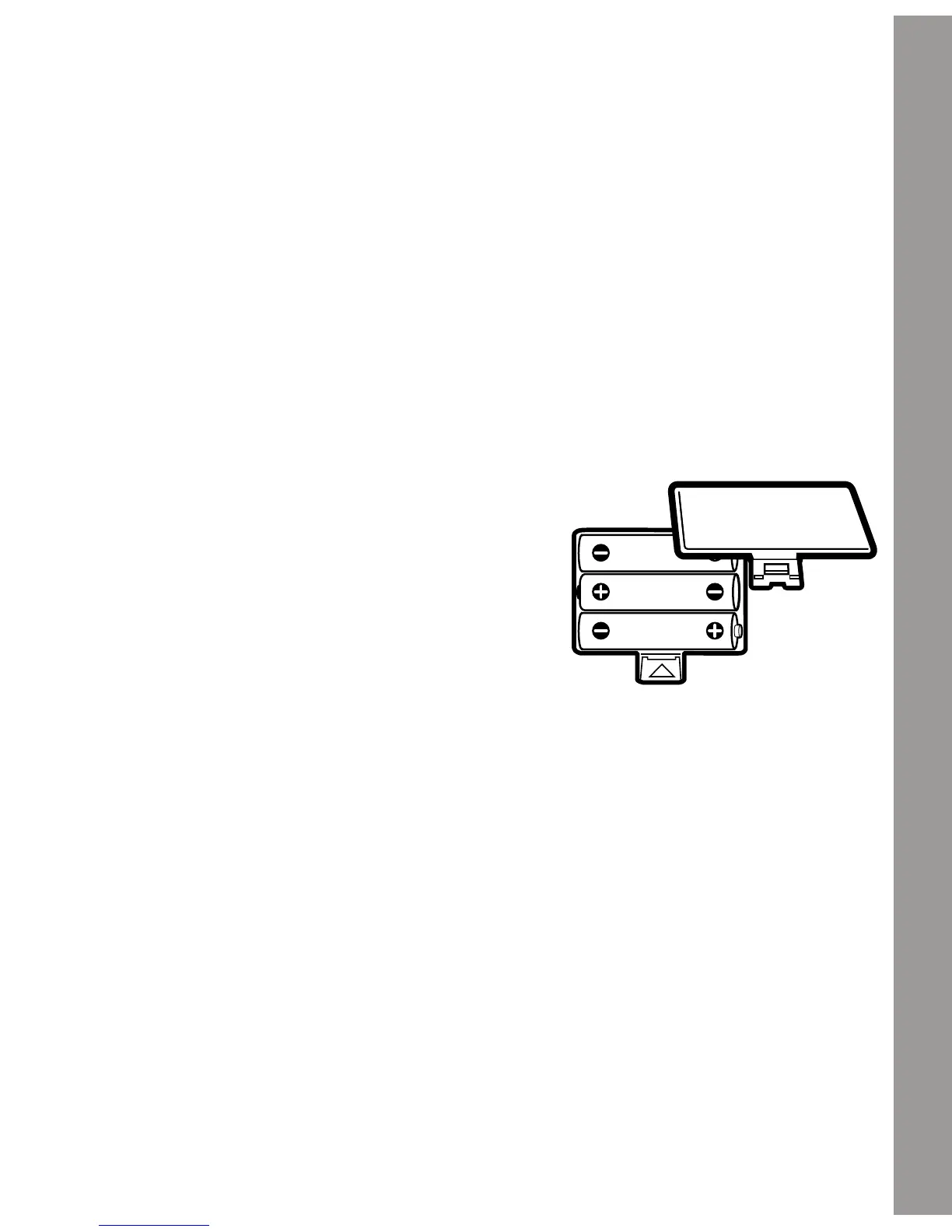
3. Insert 3 “AA” batteries (AM-3/LR6)
as illustrated. (The use of alkaline
batteries is recommended for maximum
performance.)
4. Close the battery cover.
BATTERY NOTICE
• Install batteries correctly observing the polarity (+, -) signs to avoid
leakage.
• Do not mix old and new batteries.
• Do not mix batteries of different types: alkaline, standard (carbon-
zinc) or rechargeable (nickel-cadmium).
• Remove the batteries from the equipment when the unit will not be
used for an extended period of time.
PREPARATION
2

 To Next Page
 Loading...