7. Send Voice Mail
Block/ Unblock a Contact
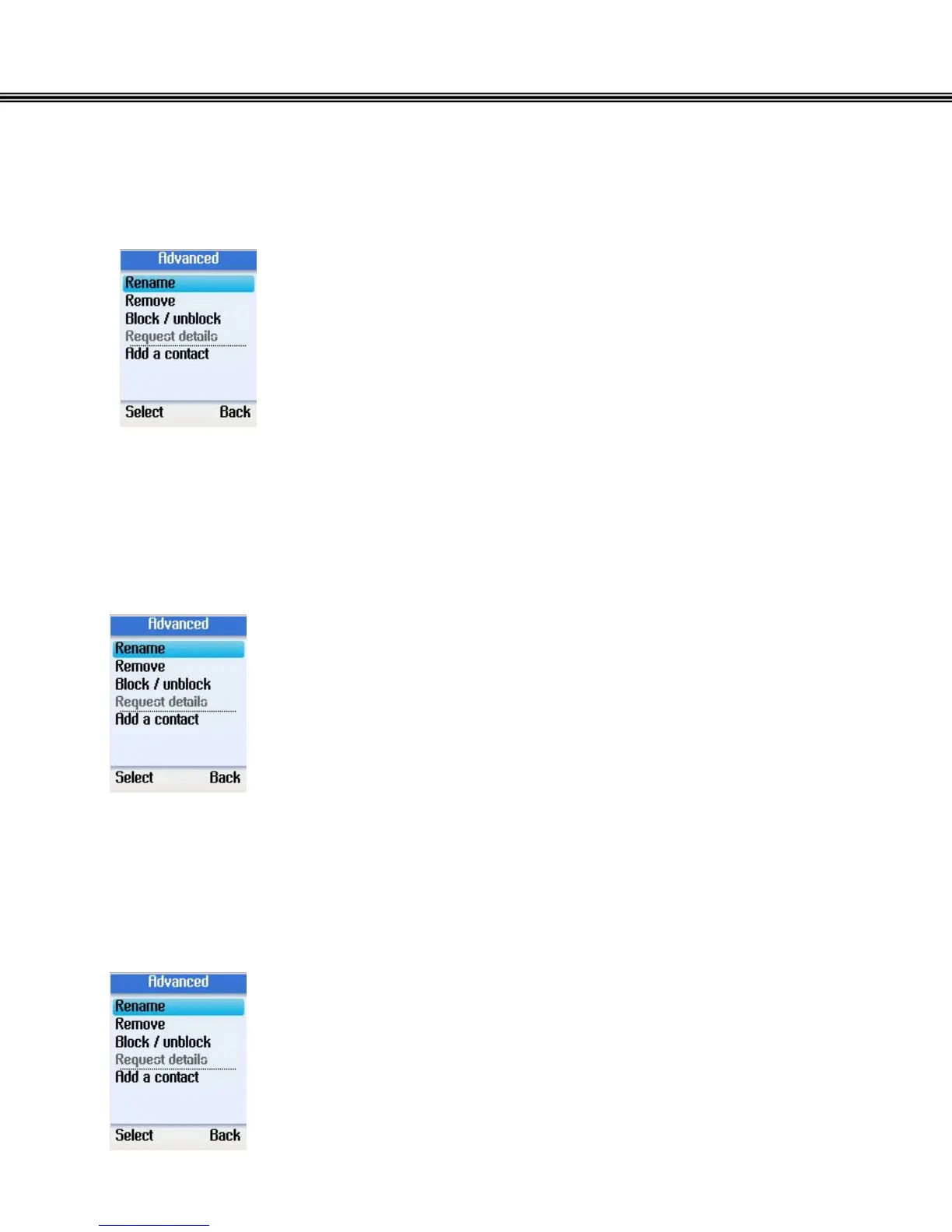
• Use the navigation button to select Block/unblock in
Advanced Options.
• Press the left soft button to continue.
• You can select to block or unblock the selected contact.
Request Contact Details
• Use the navigation button to select Request details in
Advanced Options.
• Press the left soft button to continue.
• You can select a contact and send a text message as a
request to the user to view his/her status or profile.
Add a Contact
• Use the navigation button to select Add a contact in
Advanced Options
• Press the left soft button to continue.
- 22 -



 To Next Page
 Loading...


