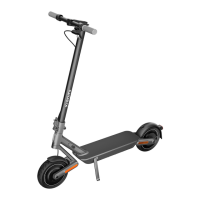
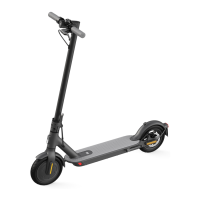
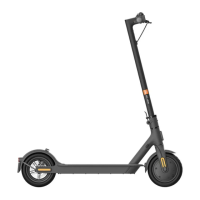
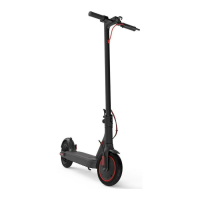
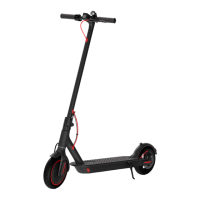
3. Assembly and Set-Up
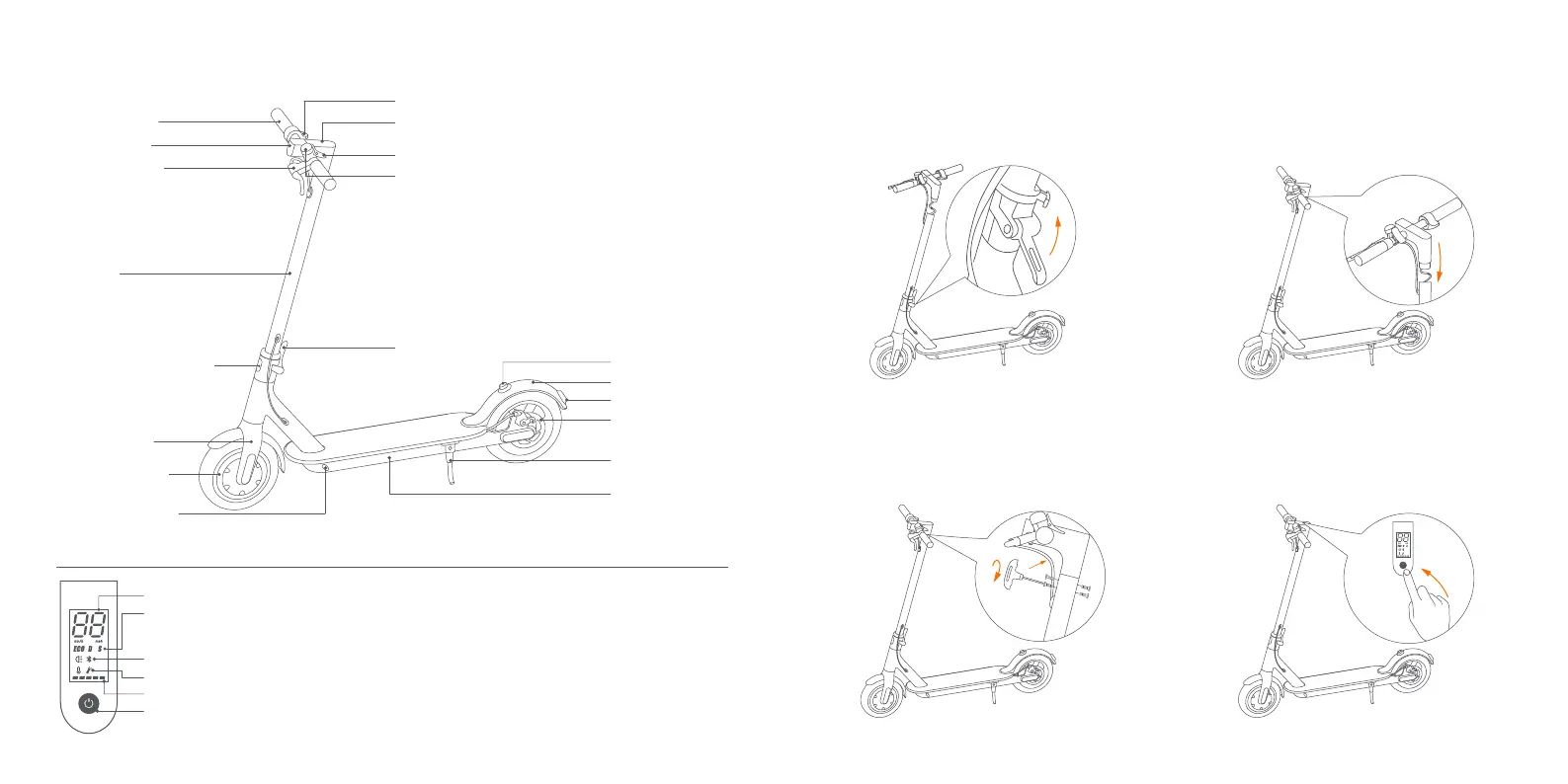
3. Tighten the screws onto both sides of the
stem with the T-shaped Allen key.
4. Aer the assembly, press the power
buon to check if it's working properly.
2. Install the handlebar onto the stem.
1. Fold the handlebar stem up, fasten it, and
put down the kickstand.
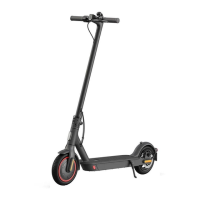
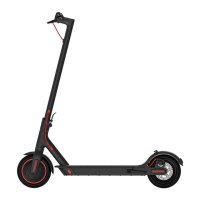
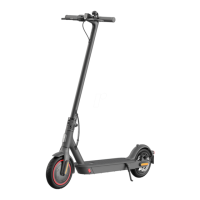
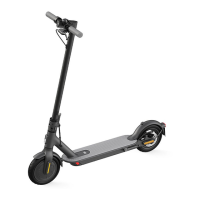
2. Product Overview
Baery
Compartment
Disc Brake
Brake Light
Buckle
Scooter Bell Lever
Control Panel & Power Buon
Accelerator
Mudguard
Quick Release Lever
Kickstand
Folding Mechanism
Front Fork
Stem
Wheel Motor
Charging Port
Headlight
Handlebar
Brake Lever
Control Panel & Power Buon
Speedometer: Display the current speed of the scooter, as well as to display error codes.
Modes: Three riding modes available. "ECO" for Energy Saving mode (top speed approx. 15 km/h, smooth throle, suitable for
beginners), "D" for Standard mode (top speed approx. 20 km/h) and "S" for Sport mode (top speed approx. 25 km/h,
powerful, only recommended for skilled riders).
Bluetooth: The icon indicates that the scooter has been successfully connected to the mobile device.
Error: The wrench icon indicates that the scooter has detected an error.
Baery Level: The baery power is indicated by 5 bars, each representing approximately 20 % of a full baery.
Power Buon: Press the buon to turn the scooter on, and press and hold the buon for 3 seconds to turn the scooter off. When
the scooter is on, press the buon to turn the headlight on/off, and double press to switch between modes.
Scooter Bell
03 04


 To Next Page
 Loading...