03
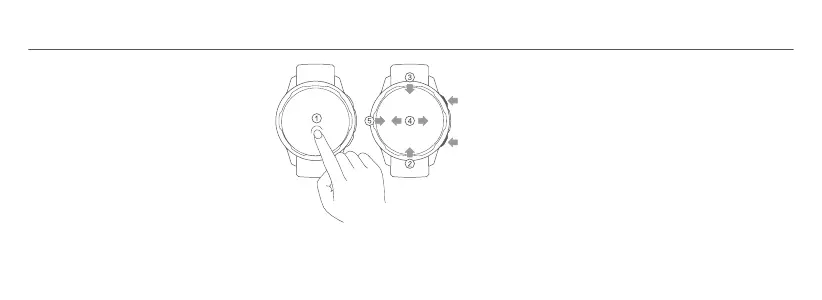
①①
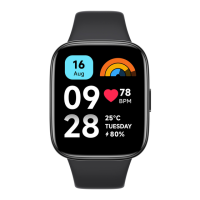
Press and hold the home screen: Switch Press and hold the home screen: Switch
the watch face.the watch face.
②②
Swipe up: Open the control panel when Swipe up: Open the control panel when
on the home screen.on the home screen.
③③
Swipe down: View notifications when on Swipe down: View notifications when on
the home screen.the home screen.
④④
Swipe left/right: Switch widget when on Swipe left/right: Switch widget when on
the home screen.the home screen.
⑤⑤
Swipe right: Go back when on a page Swipe right: Go back when on a page
other than the home screen.other than the home screen.
Power Button
●
Press and hold for about 3 seconds: Turn on the watch.
When the watch is on, the screen will show the options to
turn off, restart and restore to the factory settings.
●
Press and hold for about 15 seconds: Force restart.
●
Press when on the home screen: Enter the function list.
●
Press when on other pages: Go back to the home screen.
Shortcut Button
●
Press when on the home screen: Enter the shortcut
function (workout list by default).
How to Use


 To Next Page
 Loading...