68
Feature Reference
Store Mode
Storing The Multi
1. After editing the Part settings, press the [STORE] button to
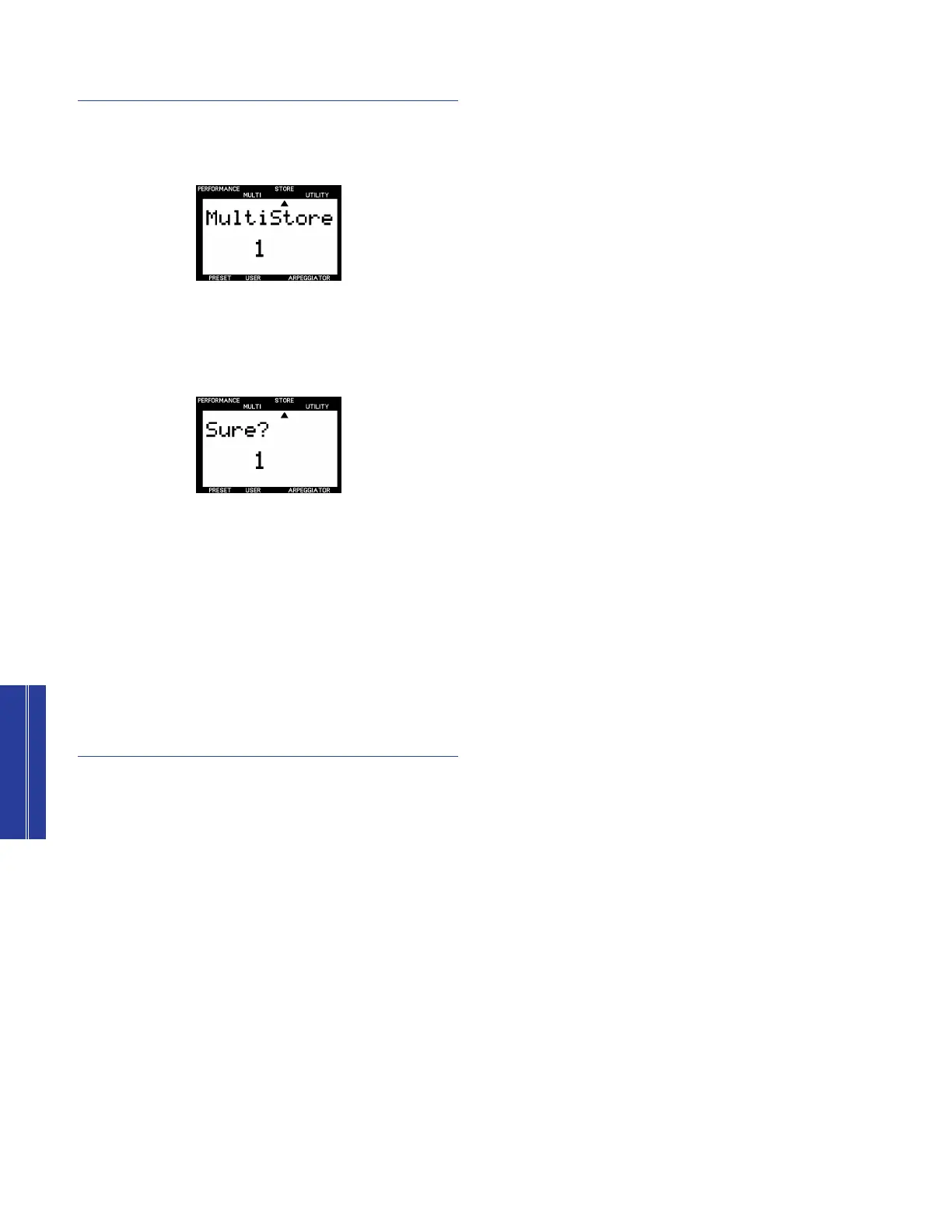
enter Store mode. The word “MultiStore” will appear in the
LCD.
2. Use the NUMERIC KEYPAD (1 ~ 9) to select one of the
nine available User Multi memory locations.
3. Press [ENTER]. The word “Sure?” will appear in the LCD.
4. Press [YES] to execute the store operation. After the data is
stored the LCD will return to the Multi Play mode screen.
If you don’t want to store the Multi, press [NO] to cancel the
store operation.
n
Pressing the [MULTI] button will exit Store mode.
n
When storing the Multi, only the Multi Edit menu parameter settings
for each Part will be stored, and the position of each SOUND
CONTROL knob will not.
Recalling A Stored Multi
In Multi Play mode, hold [MULTI] and use the NUMERIC
KEYPAD (1 ~ 9) to select one of the nine User Multis.
n
You can press 0 in the NUMERIC KEYPAD to select XG mode =
ON.
cCS2x_Ref 12/10/98 5:12 PM Page 68


 To Next Page
 Loading...