64
Notebook PC User Manual
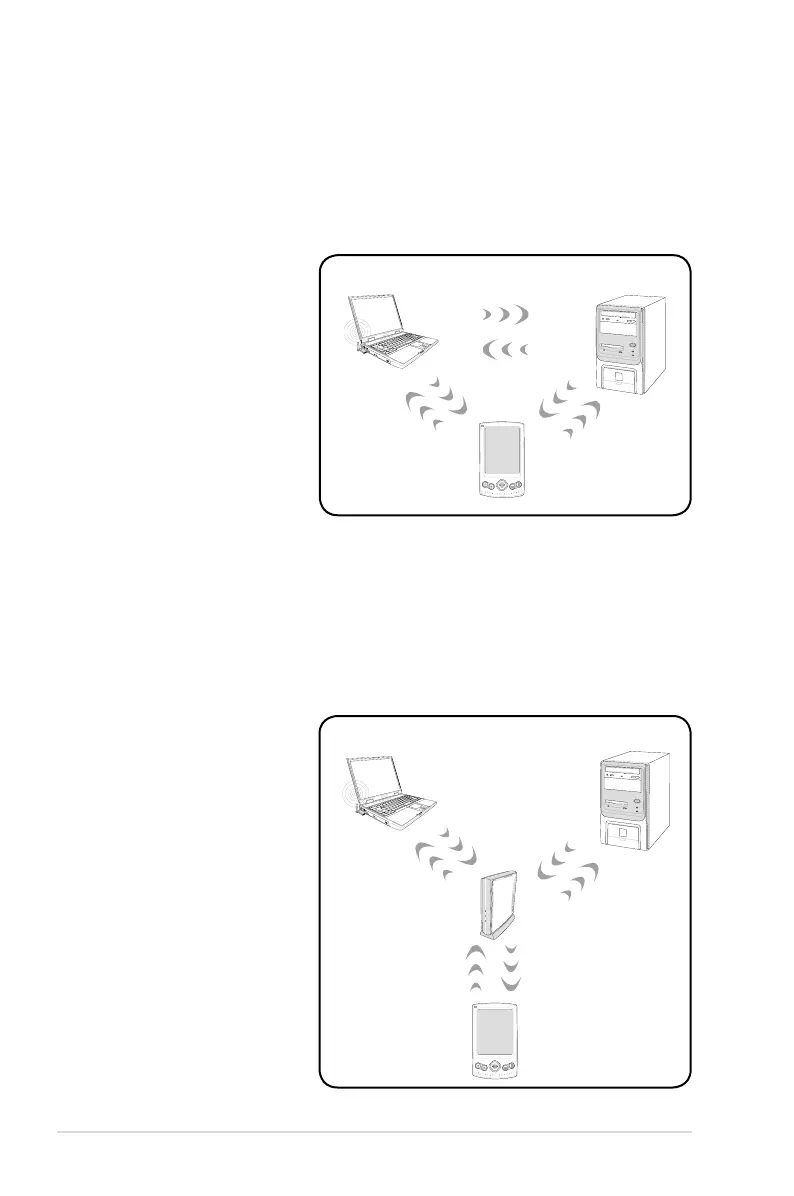
Ad-hoc mode
The Ad-hoc mode allows the Notebook PC to connect to another
wireless device. No access point (AP) is required in this wireless
environment.
(All devices must install
optional 802.11 wireless
LAN adapters.)
Desktop PC
PDA
Notebook PC
Infrastructure mode
The Infrastructure mode allows the Notebook PC and other wireless
devices to join a wireless network created by an Access Point (AP)
(sold separately) that provides a central link for wireless clients to
communicate with each other or with a wired network.
(All devices must install
optional 802.11 wireless
LAN adapters.)
Access Point
Desktop PC
PDA
Notebook PC


 To Next Page
 Loading...