Notebook PC E-Manual
9
Conventions used in this manual
To highlight key information in this manual, some text are presented as
follows:
IMPORTANT! This message contains vital information that must be
followed to complete a task.
NOTE: This message contains additional information and tips that can
help complete tasks.
WARNING! This message contains important information that must be
followed to keep you safe while performing tasks and prevent damage to
your Notebook PC's data and components.
Icons
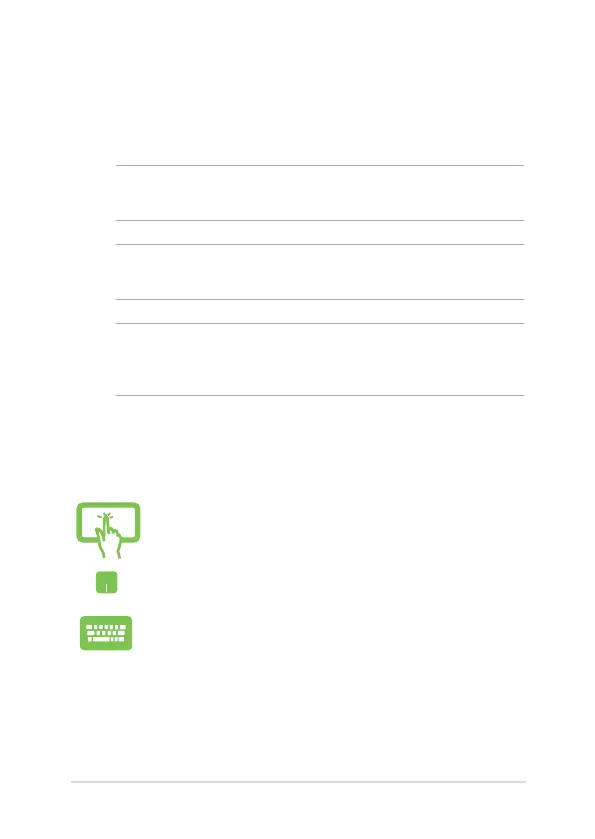
The icons below indicate the devices you can use for completing a
series of tasks or procedures on your Notebook PC.
Typography
Bold = This indicates a menu or an item that must be selected.
Italic = This indicates sections that you can refer to in this manual.
= Use the touch screen panel (on selected models).
= Use the touchpad.
= Use the keyboard.


 To Next Page
 Loading...