5
6
LAN Port
The RJ-45 LAN port with eight pins is larger than the RJ-11
modem port and supports a standard Ethernet cable for
connection to a local network. The built-in connector allows
convenient use without additional adapters.
Power (DC) Input
The supplied power adapter converts AC power to DC
power for use with this jack. Power supplied through this
jack supplies power to the Notebook PC and charges the
internal battery pack. To prevent damage to the Notebook
PC and battery pack, always use the supplied power
adapter. CAUTION: MAY BECOME WARM TO HOT WHEN
IN USE. BE SURE NOT TO COVER THE ADAPTER AND
KEEP IT AWAY FROM YOUR BODY.
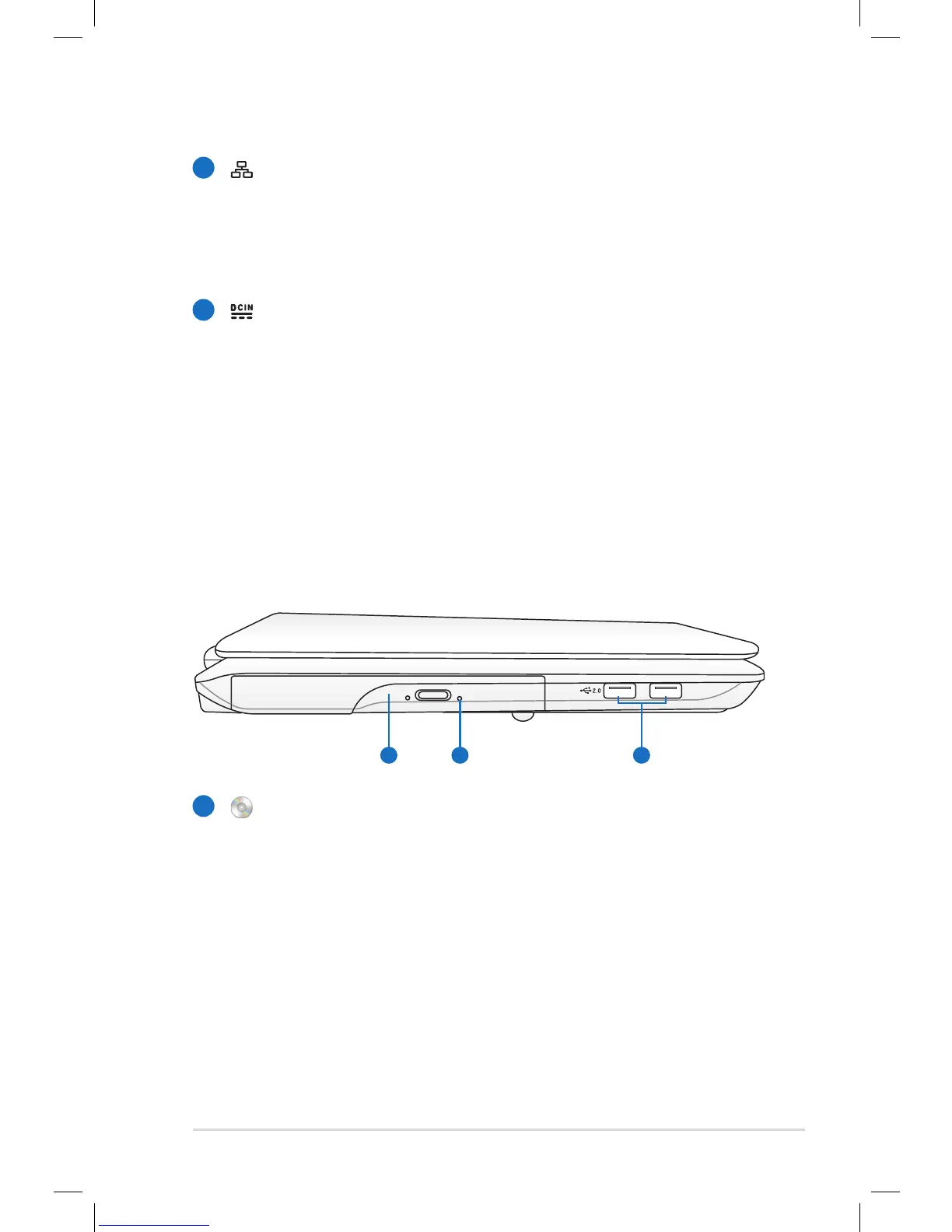
Left Side
Optical Drive
The Notebook PC comes in various models with different
optical drives. The Notebook PC’s optical drive may support
compact discs (CD) and/or digital video discs (DVD) and
may have recordable (R) or re-writable (RW) capabilities.
See the marketing specifications for details on each model.
1


 To Next Page
 Loading...