Notebook PC E-Manual
61
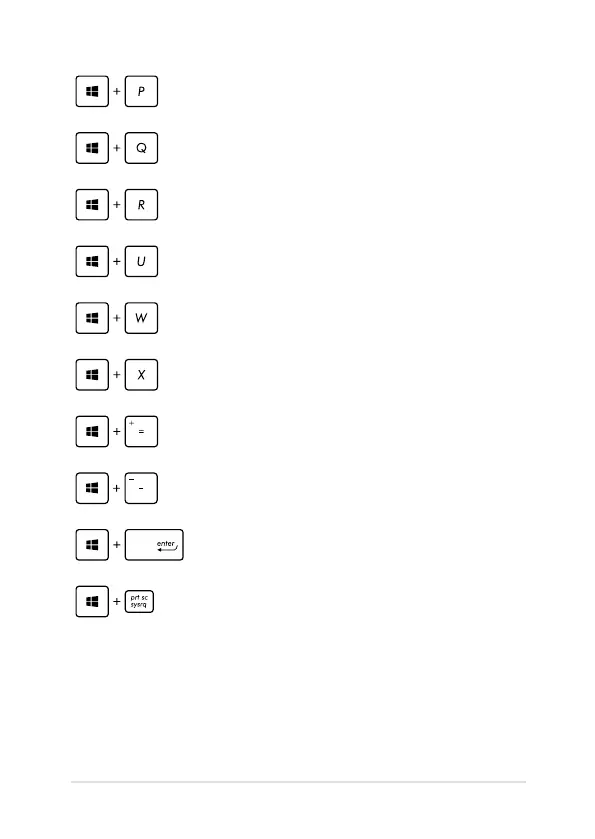
Opens the Second screen pane
Opens the Apps search pane
Opens the Run window
Opens Ease of Access Center
Opens the Settings charm
Opens a menu box of Windows® tools
Launches the magnier icon and zooms in
your screen
Zooms out your screen
Opens the Narrator Settings
Enables the print screen function


 To Next Page
 Loading...











