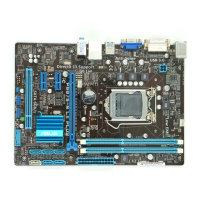
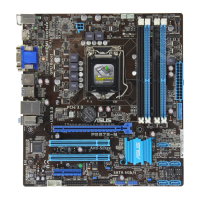
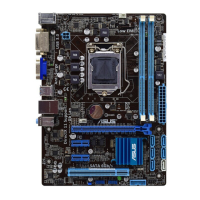
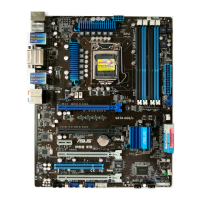
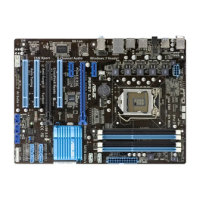
ASUS P8B75-V
3-15
Chapter 3
Limit CPUID Maximum [Disabled]
[Enabled] Allows legacy operating systems to boot even without support for CPUs
with extended CPUID functions.
[Disabled] Disables this function.
Execute Disable Bit [Enabled]
[Enabled] Enables the No-Execution Page Protection Technology.
[Disabled] Forces the XD feature ag to always return to zero (0).
Intel
®
Virtualization Technology [Disabled]
[Enabled] Allows a hardware platform to run multiple operating systems separately
and simultaneously, enabling one system to virtually function as several
systems.
[Disabled] Disables this function.
Hardware Prefetcher [Enabled]
[Enabled] Allows a hardware platform to run multiple operating systems separately
and simultaneously, enabling one system to virtually function as several
systems.
[Disabled] Disables this function.
Adjacent Cache Line Prefetch [Enabled]
[Enabled] Allows a hardware platform to perform adjacent cache line prefetching.
[Disabled] Disables this function.
CPU Power Management Conguration
CPU Ratio [Auto]
Allows you to set the ratio between the CPU Core Clock and the BCLK Frequency. Use
<+> and <-> keys to adjust the ratio. The valid value ranges vary according to your
CPU model.
Enhanced Intel SpeedStep Technology [Enabled]
Allows you to enable or disable the Enhanced Intel
®
SpeedStep Technology (EIST).
[Disabled] The CPU runs at its default speed.
[Enabled] The operating system controls the CPU speed.
Turbo Mode [Enabled]
This item appears only when you set the Enhanced Intel SpeedStep Technology
item to [Enabled] and allows you to enable or disable the Intel
®
Turbo Mode
Technology.
[Enabled] Allows processor cores to run faster than marked frequency in specic
condition.
[Disabled] Disables this function.


 To Next Page
 Loading...