ASUS P8Z77-V
3-23
Chapter 3
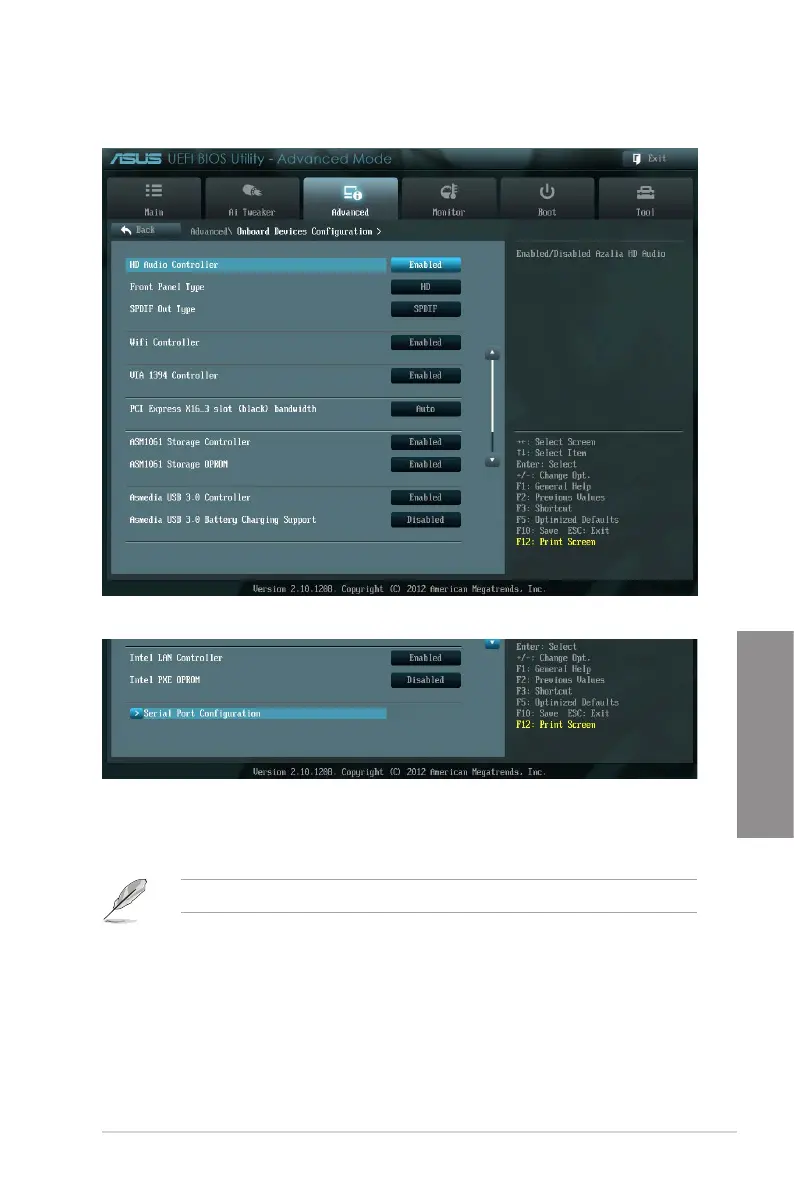
3.5.6 Onboard Devices Conguration
HD Audio Controller [Enabled]
[Enabled] Enables the High Denition Audio Controller.
[Disabled] Disables the controller.
The following two items appear only when you set the Azalia HD Audio item to [Enabled].
Front Panel Type [HD]
Allows you to set the front panel audio connector (AAFP) mode to legacy AC’97 or high-
denition audio depending on the audio standard that the front panel audio module supports.
[HD] Sets the front panel audio connector (AAFP) mode to high denition audio.
[AC97] Sets the front panel audio connector (AAFP) mode to legacy AC’97
Scroll down to display the following items:


 To Next Page
 Loading...