Notebook PC E-Manual
49
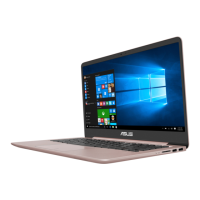
Start menu
The Start menu is the main gateway to your Notebook PC’s programs,
Windows® apps, folders, and settings.
You can use the Start menu to do these common activities:
• StartprogramsorWindows®apps
• OpencommonlyusedprogramsorWindows®apps
• AdjustNotebookPCsettings
• GethelpwiththeWindowsoperatingsystem
• TurnoyourNotebookPC
• LogofromWindowsorswitchtoadierentuseraccount
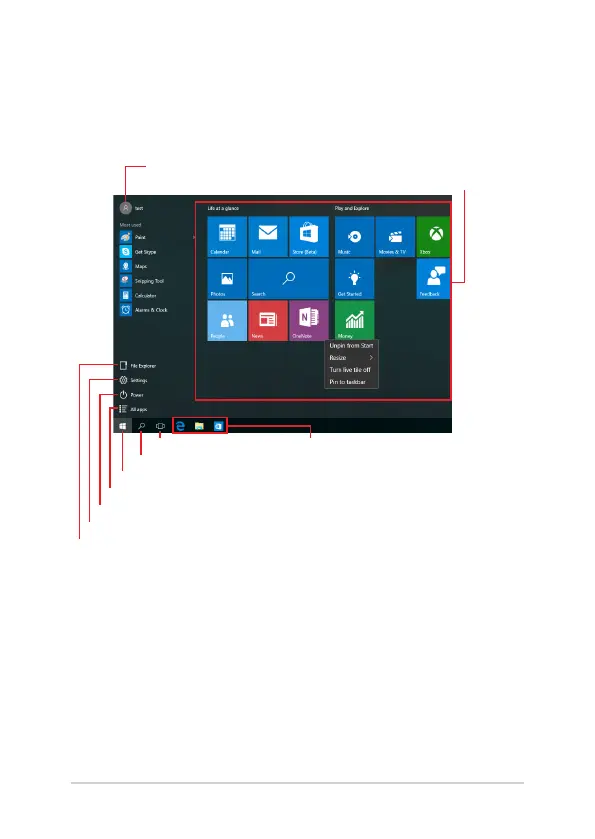
Change account settings, lock, or sign out from your account
Launch the Start menu
Shut down, restart, or put your Notebook PC to sleep
Launch All apps
Launch Taskview
Launch an app from the taskbar
Launch an app from the Start screen
Launch File Explorer
Launch Settings
Launch Search


 To Next Page
 Loading...