7
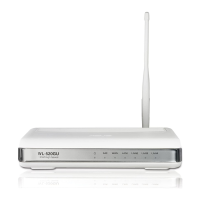
WL-520g Wireless Router User Manual
4) Quick Setup
To start quick setup, click
Next
to enter the “Quick Setup”
page. Follow the instructions to setup the ASUS Wireless
Router.
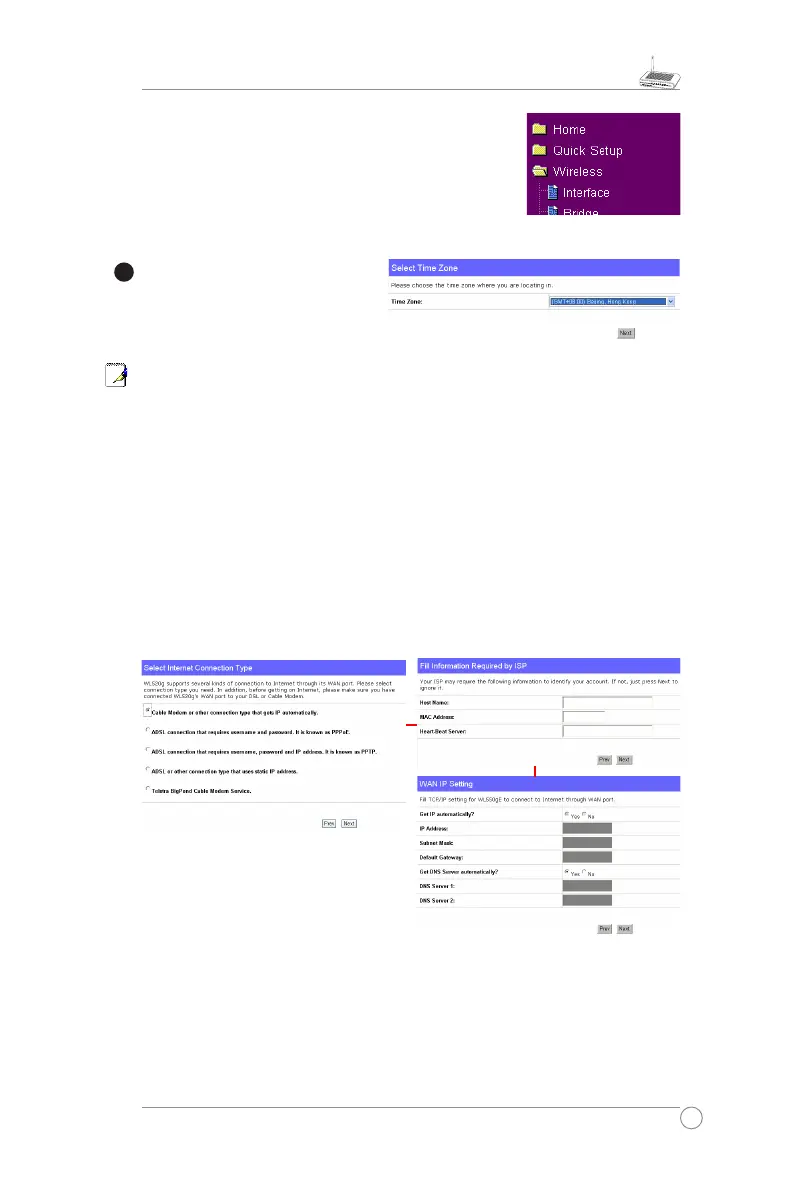
Select your time zone or the closest
region. Click
Next
to continue.
ASUS wireless router WL520g supports five types of ISP services— cable, ADSL
(PPPoE, PPTP, static IP address), and Telstra BigPond. Since each service has its
own protocols and standards, therefore, during the setup process, there are different
identity settings demanded by WL-520g. Select the correct connection type. Click
Next
to continue.
Cable User
If you are receiving services from cable or other ISP assigning IP addresses
automatically, please select
Cable Modem or other connection that gets IP
automatically
. If you are using cable services, your ISP may have provided you with
hostname, MAC address, and heartbeat server, if true, please fill these information
into the boxes on the setting page; if not, click
Next
to skip this step.


 To Next Page
 Loading...