Everything under control
64
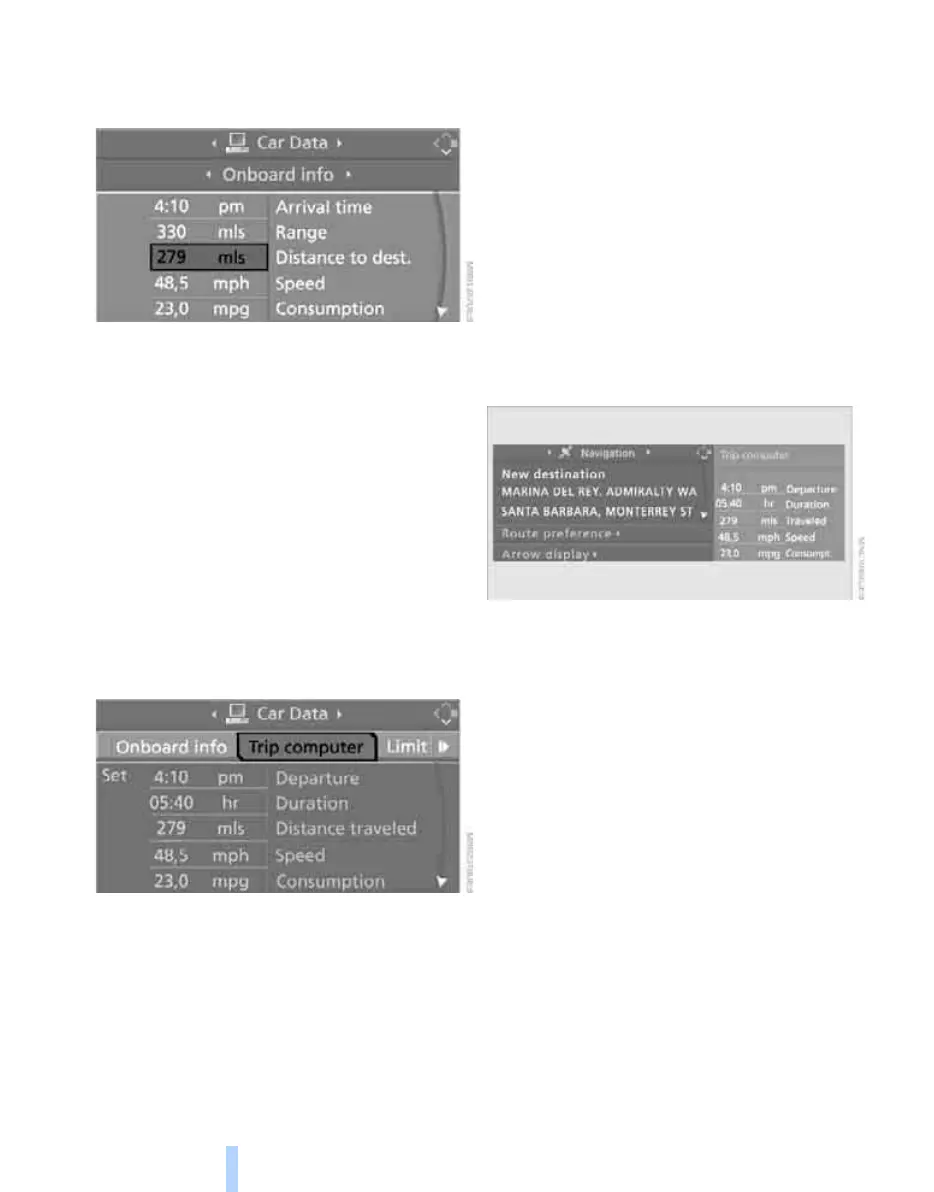
Entering a distance manually
1. Select "Distance to dest." and press the
controller.
2. Turn the controller to select the distance to
your destination.
3. Press the controller to apply the setting.
The distance is automatically entered during
destination guidance.
Trip computer
The trip computer is suitable e.g. for a holiday
trip.
1. Open the start menu.
2. Call up "Navigation".
3. Select "Car Data" and press the controller.
4. Select "Trip computer" and press the con-
troller.
> Departure time
> Driving time
> Distance traveled
> Average speed
> Average fuel consumption
Switching trip computer on/off and resetting all
values to zero:
1. Select "Set" and press the controller.
2. Select the desired menu item and press the
controller.
Display options
You can display the computer or the trip com-
puter in the assistance window.
1. Move the controller to the right to change to
the assistance window and press the con-
troller.
2. Select a menu item:
> "Onboard info"
> "Trip computer"
3. Press the controller.
Online Edition for Part no. 01 41 0 014 699 - © 10/07 BMW AG


 To Next Page
 Loading...











