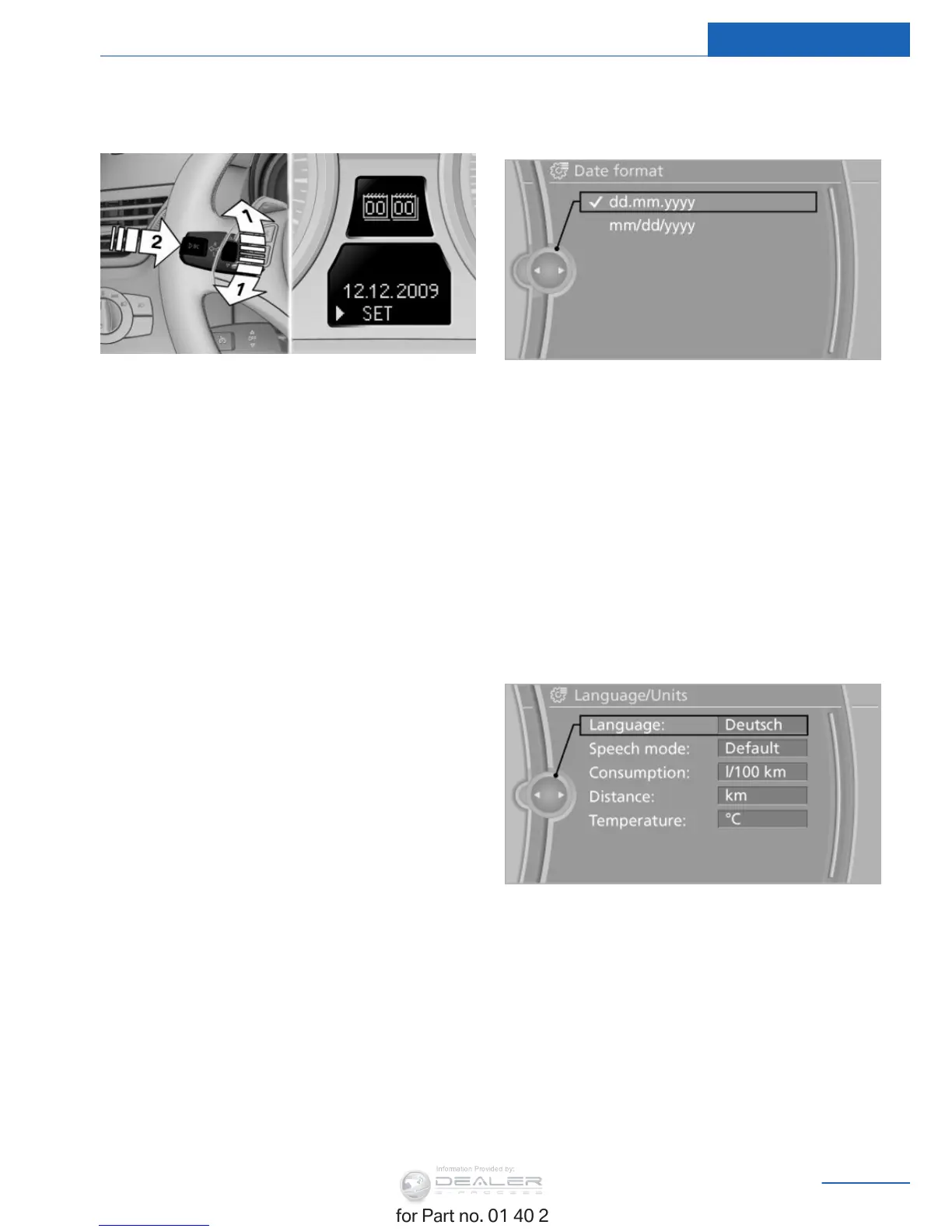
symbol appears in the display, accompa‐
nied by the date and the word "SET".
2. Press button 2.
3. Use button 1 to set the day of the month.
4. Press button 2 to confirm the entry.
5. Set the month and the year in the same
way.
6. Press button 2.
The system stores the new date.
Via the iDrive
1. "Settings"
2. "Time/Date"
3. "Date:"
4. Turn the controller until the desired day is
displayed, and then press the controller.
5. Make the necessary settings for the month
and year.
The date is stored.
Setting the date format
1. "Settings"
2. "Time/Date"
3. "Format:"
4. Select the desired format.
The date format is stored.
Settings on the Control
Display
Language
Setting the language
1. "Settings"
2. "Language/Units"
3. "Language:"
4. Select the desired language.
The setting is stored for the remote control
currently in use.
Setting the voice dialog
Voice dialog for the voice activation system,
refer to page 26.
Seite 77
Displays Controls
77
Online Edition for Part no. 01 40 2 957 353 - X/14


 To Next Page
 Loading...