In some situations, the idle state is not set au-
tomatically, for instance during a phone call or
when the low beams are switched on.
Establishing idle state when
opening the front doors
After a trip, the sleep mode can be established
by opening the front doors. For this purpose,
all passengers must exit the vehicle.
1. Apps menu
2. "Vehicle"
3. "Doors and windows"
4. "Lock/unlock"
5. "Turn off after opening door"
Establishing the sleep mode
manually
To establish idle state in the vehicle after com-
pletion of trip:
Press and hold the thumbwheel
in the center console until the
OFF indicator in the instrument
cluster goes out.
Deep sleep mode
Principle
Deep sleep mode is activated to prevent the
vehicle battery from discharging when the ve-
hicle is stationary for several weeks.
In deep sleep mode, the vehicle functions are
limited to the essentials.
Activating deep sleep mode
1.
Apps menu
2. "Vehicle"
3. "System settings"
4. "Deep sleep mode"
5. Select the desired setting.
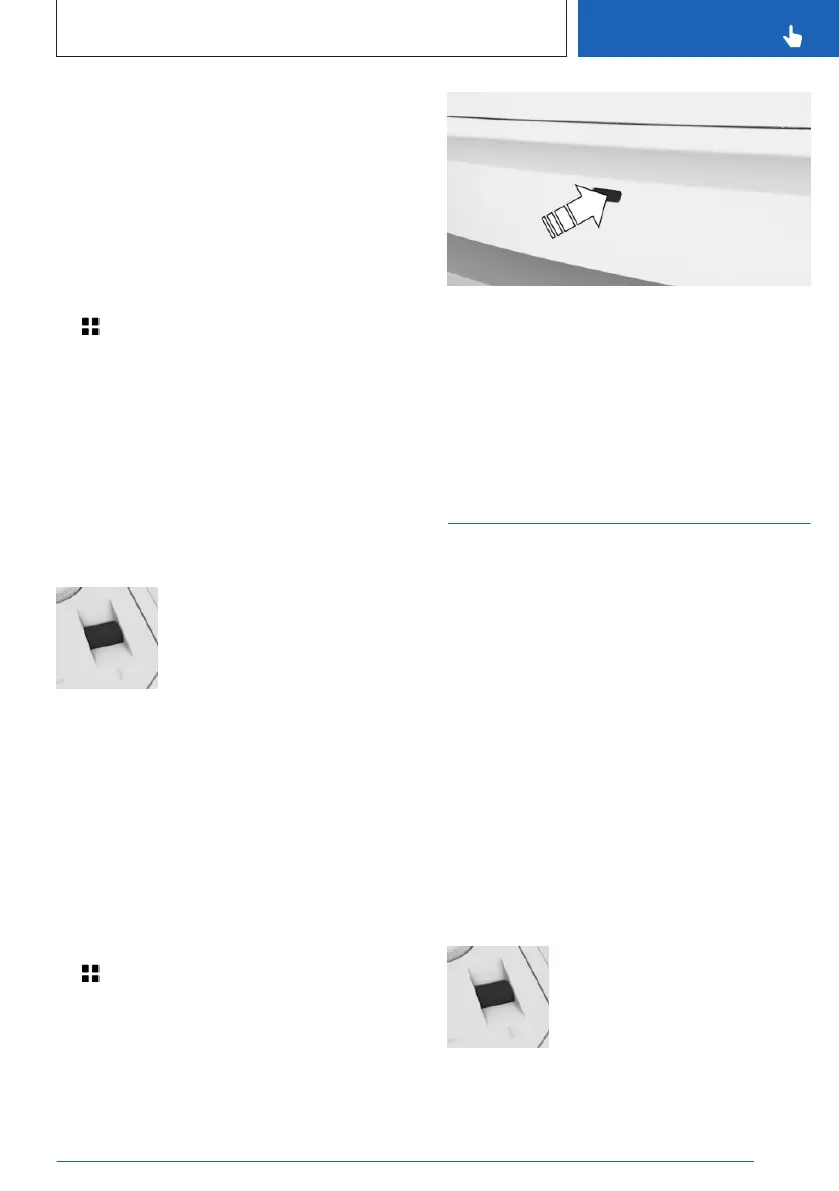
Press the button on the trunk to access the
vehicle in deep sleep mode.
Deactivating deep sleep mode
▷ Turn off the function on the control display.
▷ Driving with the vehicle.
Standby state
Principle
When standby state is switched on, most func-
tions can be used while the vehicle is station-
ary. Desired settings can be adjusted.
General information
The vehicle is in the standby state after the
front doors are opened from the outside.
Manually setting to standby
General information
Standby can be switched back on after the ve-
hicle is automatically set to idle state.
Via thumbwheel
Press thumbwheel in the center
console. The control display and
the instrument cluster illuminate.
Seite 41
Operating condition of the vehicle
CONTROLS
41
Online Edition for Part no. 01405A88D30 - VI/23


 To Next Page
 Loading...