G12�Driver�Assistance�Systems
18.�Parking�Maneuver�Assistant
113
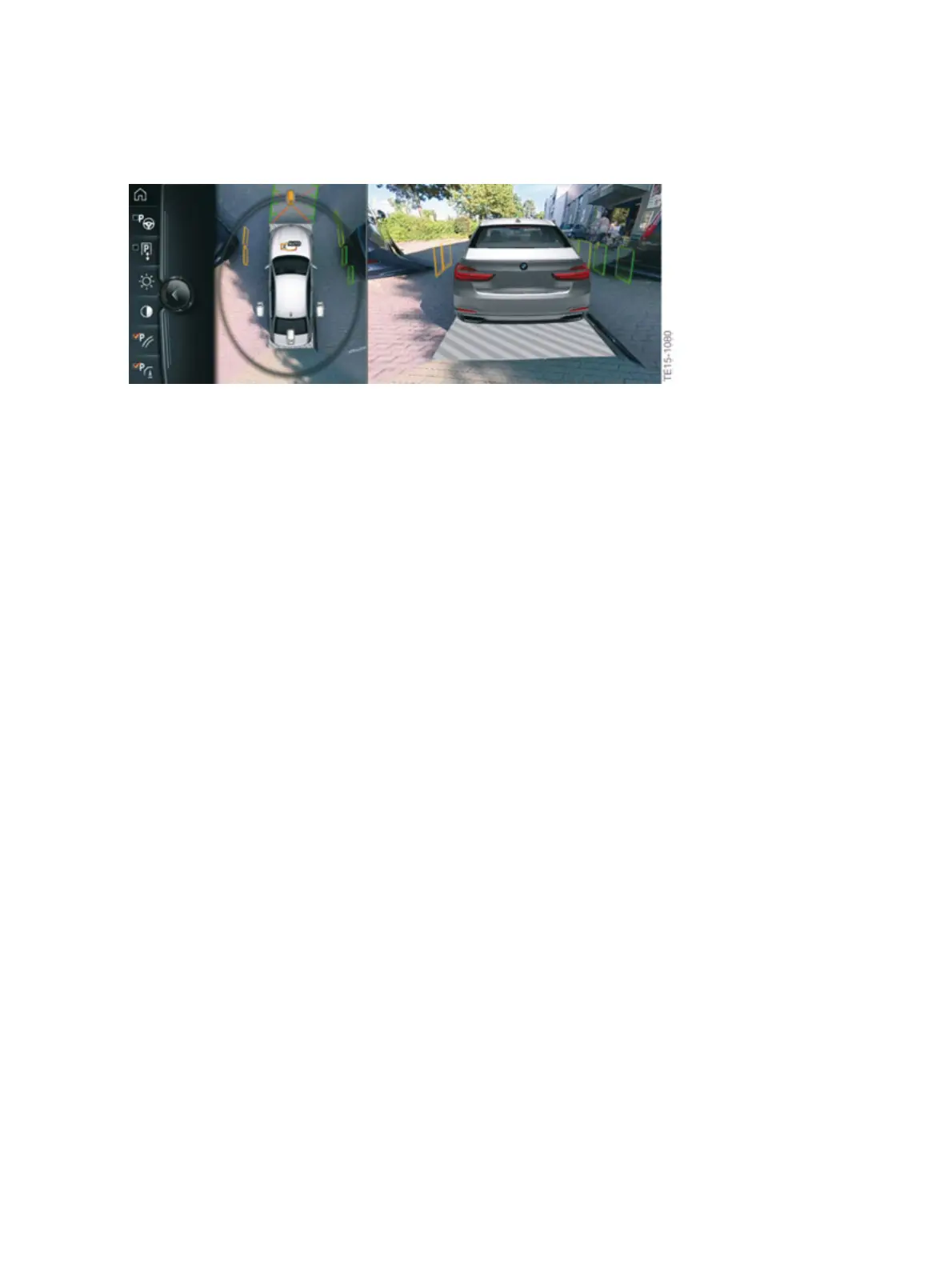
G12�side�protection�view�on�the�CID
Obstructions�approaching�the�stationary�vehicle�are�not�taken�into�account,�as�in�this�case�the�system
cannot�evaluate�the�situation�unequivocally.�The�prerequisite�for�identifying�obstructions�is�that�the
(driver's)�vehicle�is�moving.
The�distance�markings�shown�on�the�central�information�display�are�displayed�for�approximately
13seconds�once�the�vehicle�has�stopped.�The�markings�are�only�shown�again�once�the�vehicle�starts
moving.
18.7.�Operation
There�are�two�ways�to�activate�the�Parking�Maneuver�Assistant�function:
• Activation�via�parking�assistance�button
• Activation�by�"Engaging�reverse�gear"�followed�by�"iDrive�controller�operation"
Activation�via�parking�assistance�button
When�the�PMA�is�activated�via�the�parking�assistance�button�in�the�center�console�the�parking
assistance�menu�in�the�Central�Information�Display�CID�is�displayed.�As�soon�as�a�parking�space�is
found,�the�driver�receives�handling�instructions�that�guide�him�though�the�parking�procedure�with�the
support�of�the�system.�When�parking�automatically,�the�driver�must�hold�down�the�parking�assistance
button�until�the�parking�procedure�is�complete.


 To Next Page
 Loading...