30
|
User Manual
Bosch Climate 5000 Series Remote Control (06.2022)
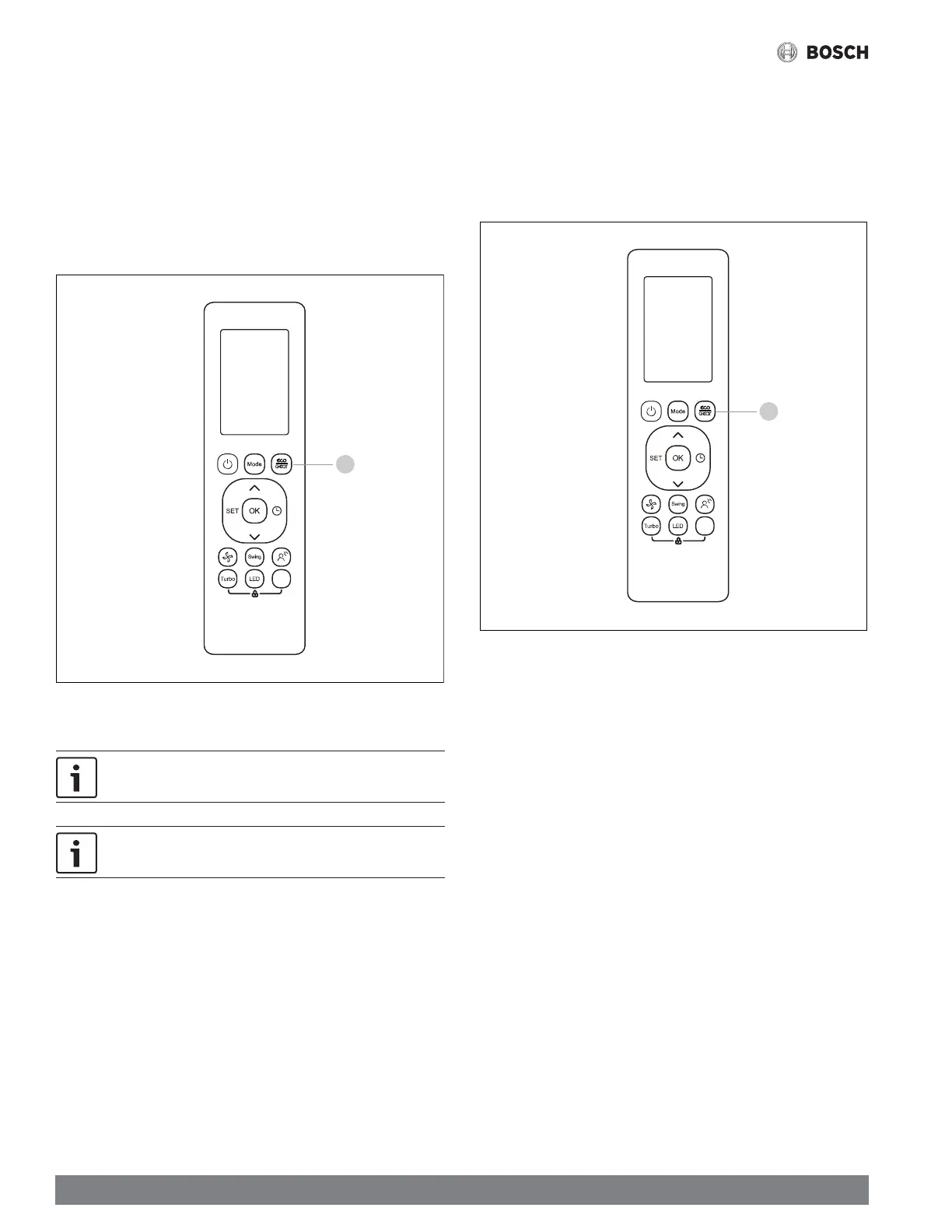
5.4.3 ECO/GEAR
ECO:
While in COOL mode:
1. Press the ECO/GEAR button
2. Press ECO/GEAR or change the temperature to below 75°F to stop ECO
mode.
Activating ECO mode will set the system temperature to 75°F and fan speed to
AUTO for reduced energy usage.
Figure 49
Van e
1
If the temperature is above75°F, the fan will be set to AUTO and the
temperature will stay the same.
Eco/Gear features may not be available in all confi gurations.
GEAR:
Press the ECO/GEAR to limit the compressor frequency to reduce electrical energy
usage.
3. Pressing the ECO/GEAR button scrolls through the following sequence to
access GEAR mode:
ECO --> GEAR(75%) --> GEAR (50%) --> Previous system setting
Figure 50
Van e
1


 To Next Page
 Loading...