7
Starting ZoomBrowser EX and PhotoRecord
1
Double-click the [ZoomBrowser EX] icon on the desktop to start
the program.
If the [ZoomBrowser EX] icon does not appear on the desktop, click the [Start]
menu and select [Programs] or [All Programs], followed by [Canon Utilities],
[ZoomBrowser EX] and [ZoomBrowser EX].
2
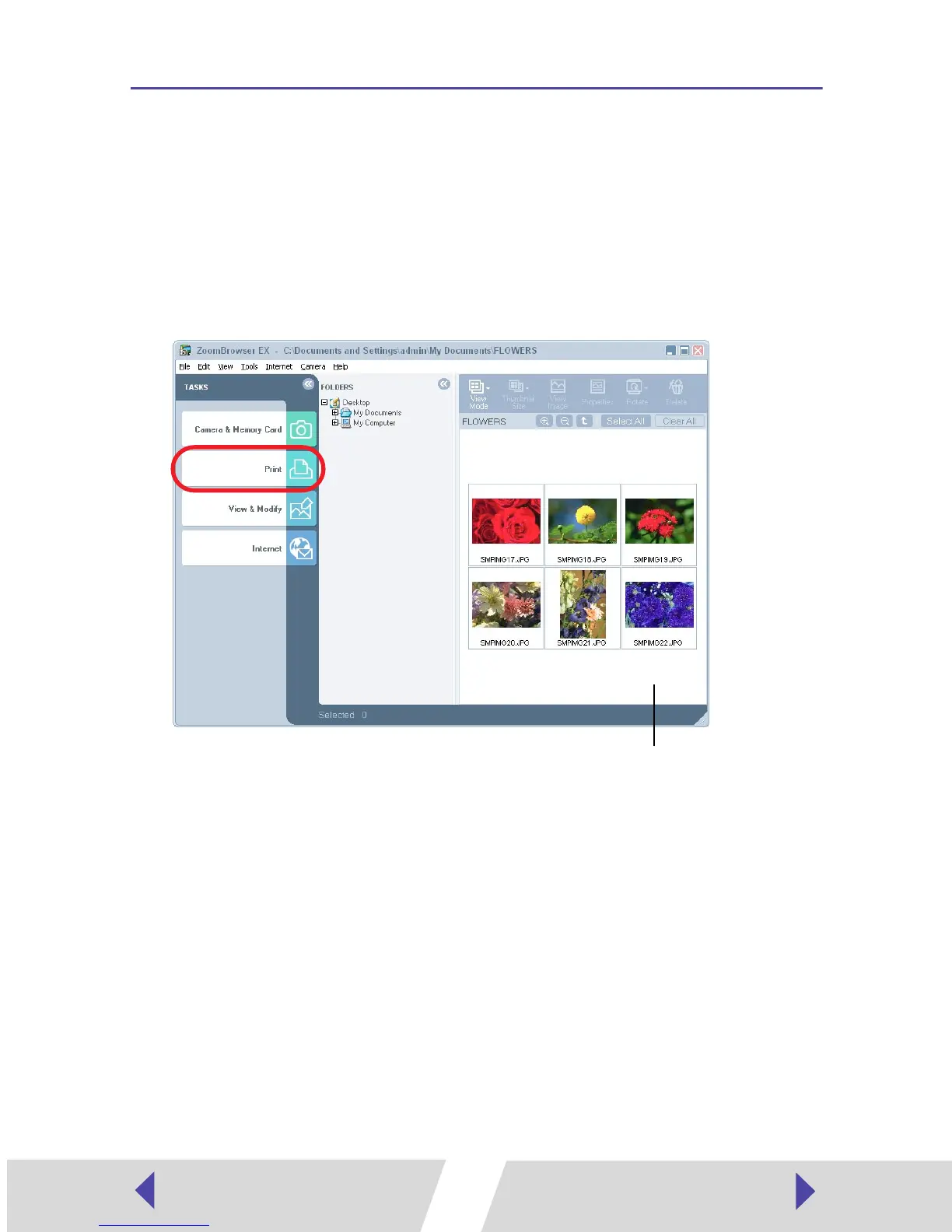
Click [Print].
Browser area


 To Next Page
 Loading...