99
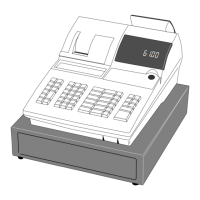
CE-6100 User's Manual
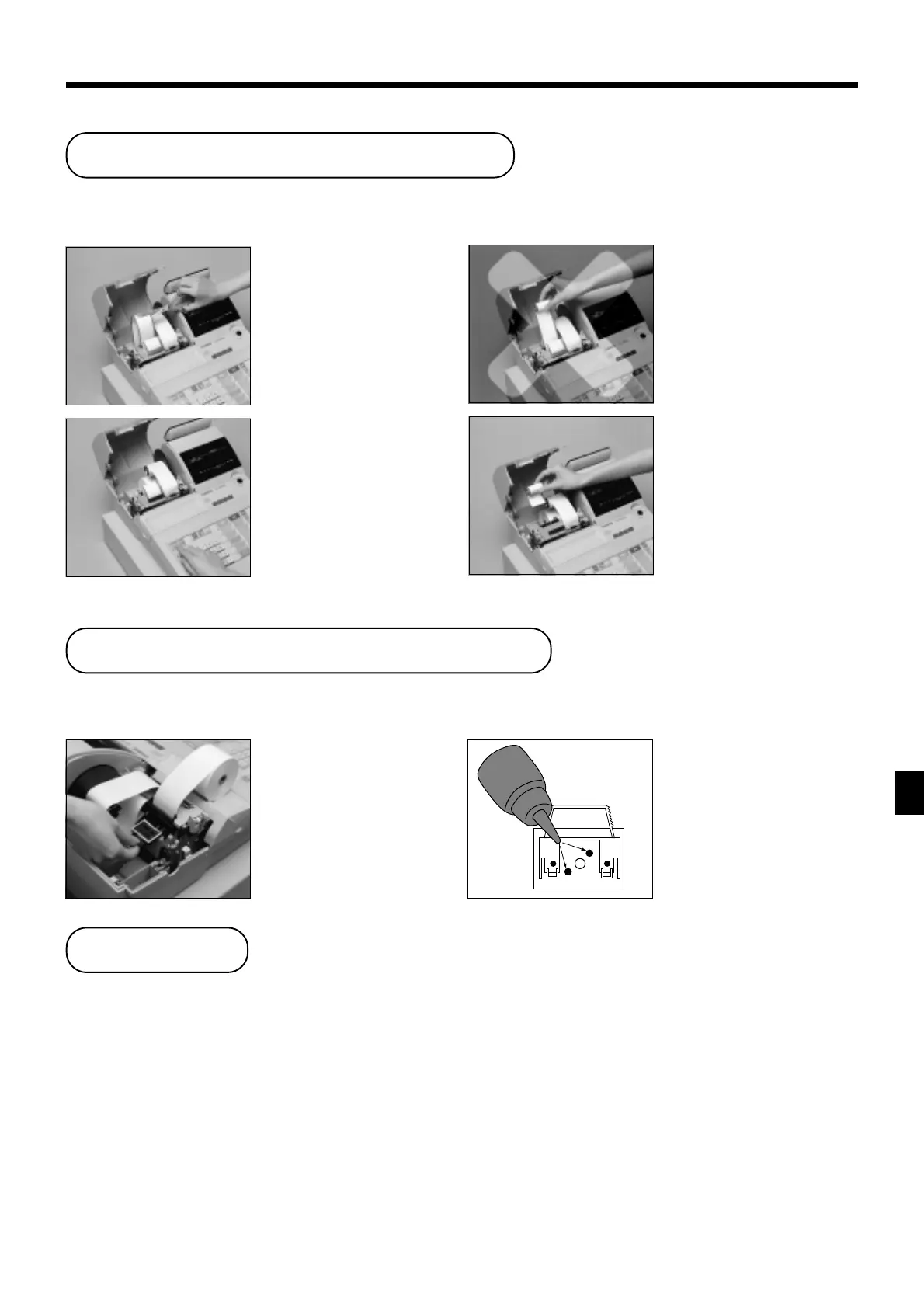
To replace receipt paper
22
22
2
Cut the receipt paper as
shown in the photograph.
33
33
3
Press f to feed the
remaining paper from the
printer.
44
44
4
Do not pull the paper out of
the printer by hand. It can
damage the printer.
55
55
5
Remove the old paper roll
from the cash register.
66
66
6
Load new paper as
described on page 11 of
this manual.
User Maintenance and Options
User Maintenance and Options
Follow step
11
11
1 under “To replace journal paper” on the previous page.
To replenish the stamp ink
22
22
2
Remove the stamp pad
from its holder by lifting
the knob.
Follow step
11
11
1 under “To replace journal paper” on the previous page.
33
33
3
Squirt one or two drops of
ink into the holes on the
back of the stamp pad.
44
44
4
Replace the stamp pad on
its holder.
Options
Wetproof cover: WT-77
Consult with your CASIO dealer for details.


 To Next Page
 Loading...