EasyManua.ls Logo

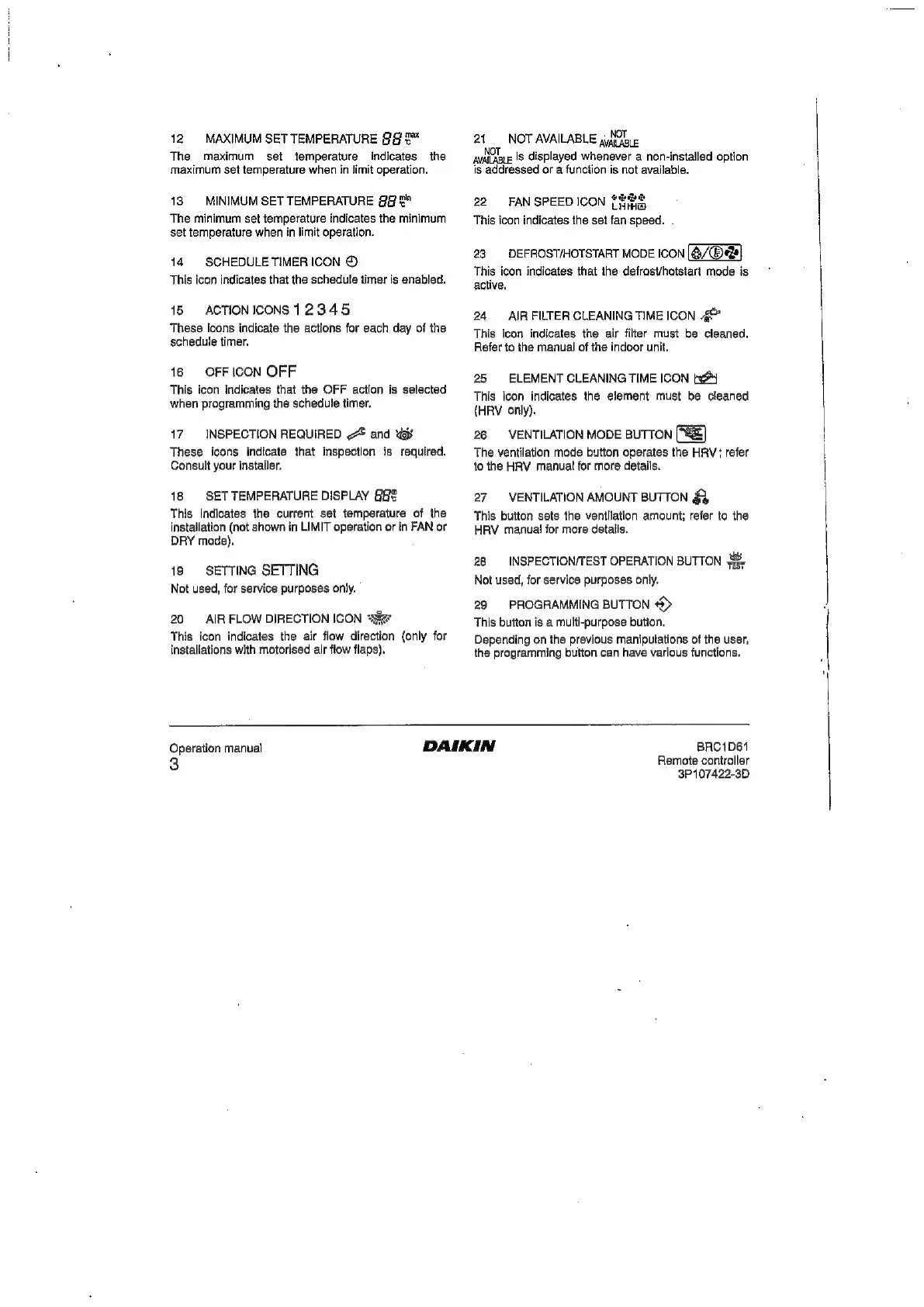
Daikin BRC1D61 - Switches and Icons Overview (Continued); Temperature and Timer Indicators; Maintenance and System Status Icons; Operational Mode and Fan Icons

Daikin BRC1D61
20 pages
Print Icon
To Next Page IconTo Next Page
To Previous Page IconTo Previous Page
Loading...
12
MAXIMUM
SET
TEMPERATURE
9&9
&™
The
maximum
set
temperature
indicates
the
maximum
set
temperature
when
in
limit
operation.
18
MINIMUM
SET
TEMPERATURE
@@
&"
The
minimum
set
temperature
indicates
the
minimum
set
temperature
when
in
limit
operation.
14.
SCHEDULE
TIMER
ICON
©
This
icon
indicates
that
the
schedule
timer
is
enabled.
15
ACTIONICONS
12345
These
icons
indicate
the
actions
for
each
day
of
the
schedule
timer.
16
OFFICON
OFF
This
icon
indicates
that
the
OFF
action
is
selected
when
programming
the
schedule
timer.
17
INSPECTION
REQUIRED
~
and
<y
These
icons
indicate
that
inspection
is
required.
Consult
your
installer.
18
SET
TEMPERATURE
DISPLAY
This
indicates
the
current
set
temperature
of
the
installation
(not
shown
in
LIMIT
operation
or
in
FAN
or
DRY
mode),
19
SETTING
SETTING
Not
used,
for
service
purposes
only.
20
AIR
FLOW
DIRECTION
ICON
x
This
icon
indicates
the
air
flow
direction
{only
for
installations
with
motorised
air
flow
flaps).
21
NOT
AVAILABLE
4G
aioe
is
displayed
whenever
a
non-installed
option
is
addressed
or
a
function
is
not
available.
a
22
FANSPEEDICON
S222
This
icon
indicates
the
set
fan
speed.
.
23
DEFROST/HOTSTART
MODE
ICON
[@/®:
This
icon
indicates
that
ihe
defrost/hotstart
mode
is
active.
24
AIR
FILTER
CLEANING
TIME ICON
This
icon
indicates
the
air
filter
must
be
cleaned.
Refer
to
the
manual
of
the
indoor
unit.
25
ELEMENT
CLEANING
TIME
ICON
ty
This
icon
indicates
the
element
must
be
cleaned
(HRV
only).
26
VENTILATION
MODE
BUTTON
[8]
The
ventilation
mode
button
operates
the
HRV;
refer
jo
the
HRV
manual
for
more
details.
27
VENTILATION
AMOUNT
BUTTON
a
This
button
sets
the
ventilation
amount;
refer
to
the
HRV
manual
for
more
details.
28
INSPECTION/TEST
OPERATION
BUTTON
4,
Not
used,
for
service
purposes
only.
29
PROGRAMMING
BUTTON
>)
This
button
is
a
multi-purpose
button,
Depending
on
the
previous
manipulations
of
the
user,
the
programming
button
can
have
various
functions.
Operation
manual
3
BRC1D61
Remote
controller
3P107422-3D

Other manuals for Daikin BRC1D61

Related product manuals