Alignment and Troubleshooting
4-64
Service Manual
3) Abnormal Printing
Description :
The printer is not working properly even when the cable has no problem (even after the
cable is replaced). If the printer will not work at all or the strange fonts are repeated, the
printer driver may be defective or wrong setup in the CMOS Setup.
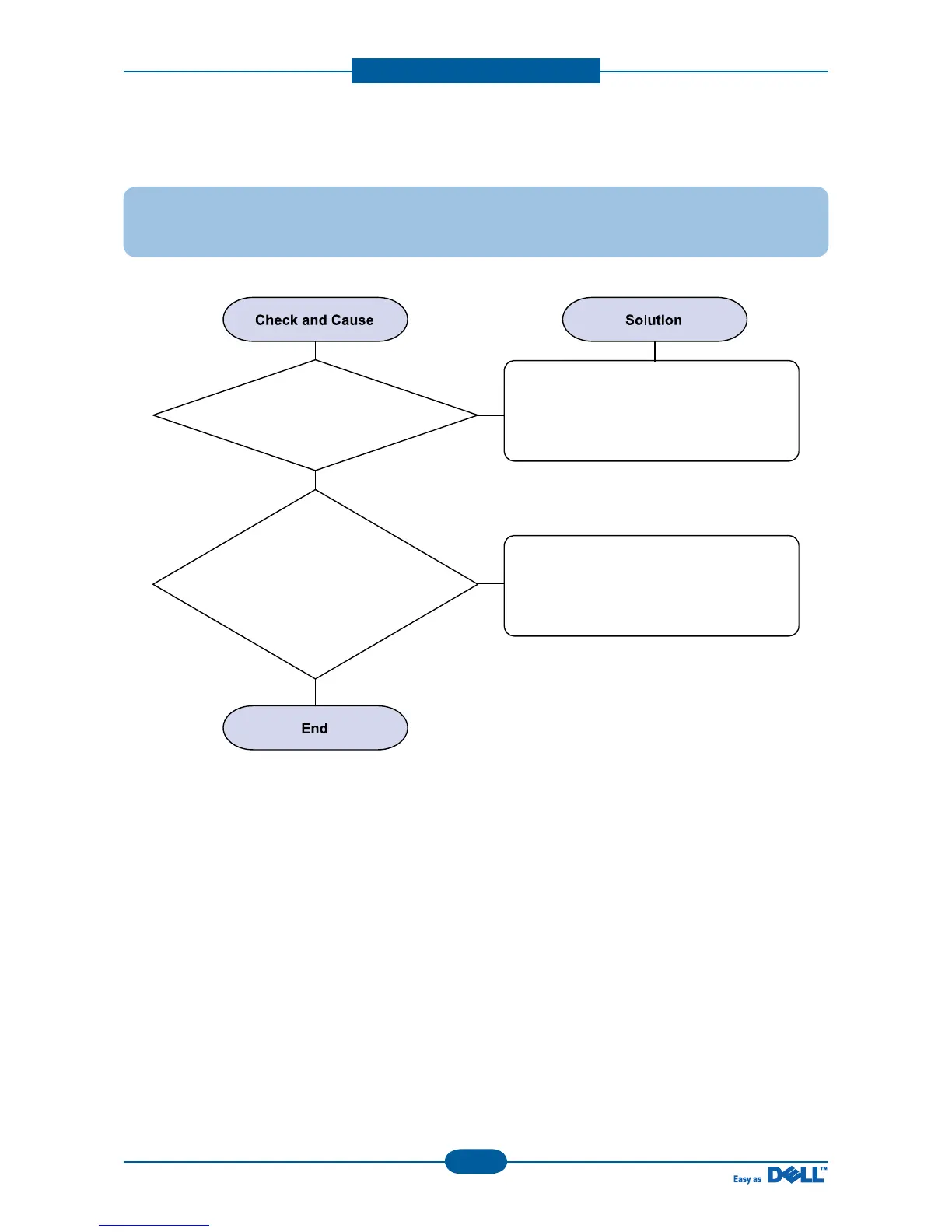
Check the printer in My Computer.
(to see if the printer driver is compatible to
the present driver or delete the old driver,
if defective and reinstall the new driver)
Delete the unnecessary files to secure
enough space of the hard disk and start
printing job again.
1. Printer Driver Error.
2. Error message
from insufficient memory.
(The printing job sometimes stops or due
to insufficient virtual memory, but it actually
comes from the insufficient
space of the hard disk.)


 To Next Page
 Loading...








