Steps
1. Place the display panel on a flat and clean surface .
2. Connect the display cable to the connector at the back of the display panel and close the latch to secure the cable .
3. Adhere the tape that secures the display cable to the back of the display panel .
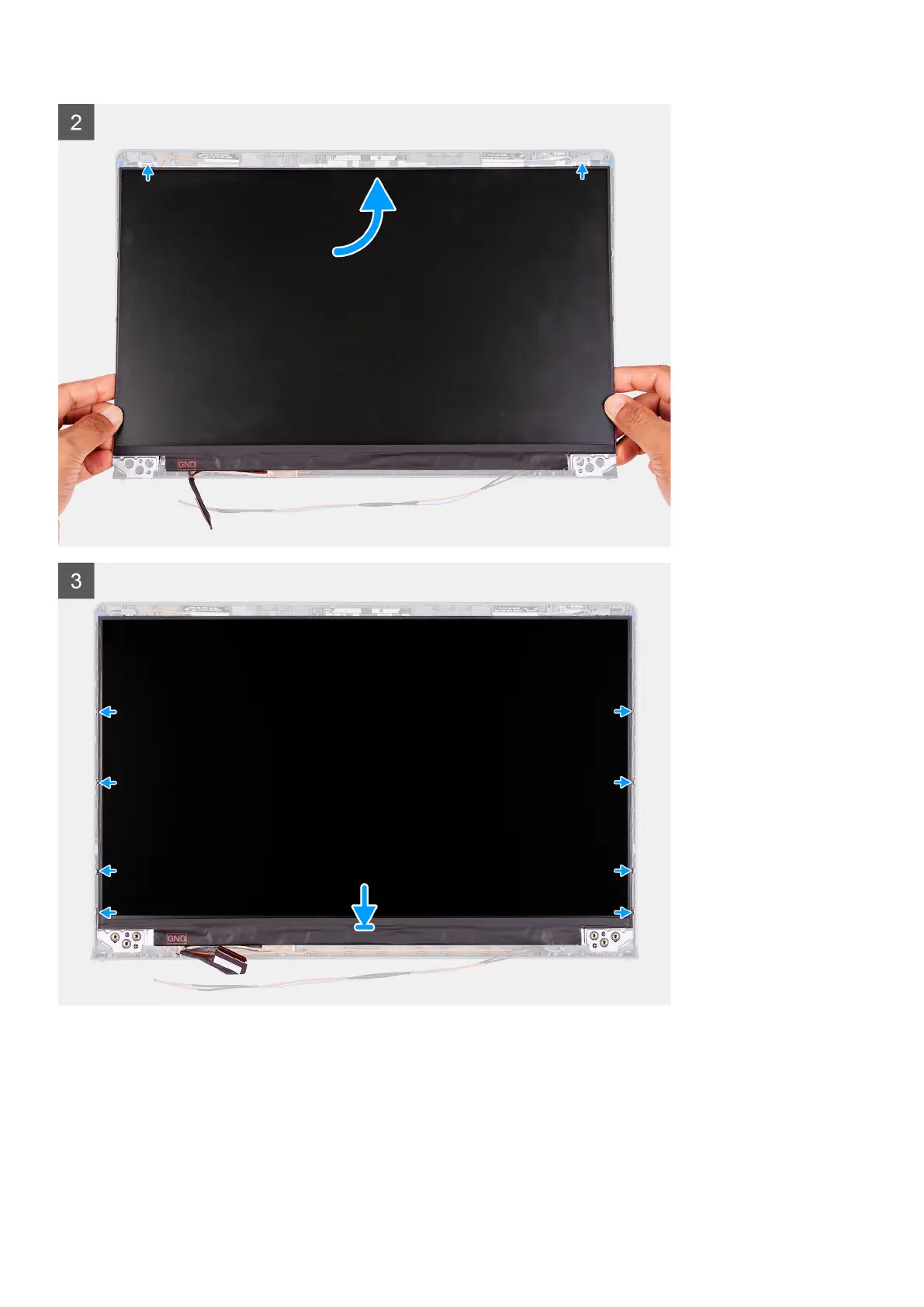
4. Turn the display panel over and place it on the display back-cover.
5. Lift the bottom side of the display panel and slide the top side into the slots at the top of the display back-cover.
6. Gently push down on the edges of the display panel until it clicks into the tabs on the display back-cover.
Removing and installing components
65


 To Next Page
 Loading...